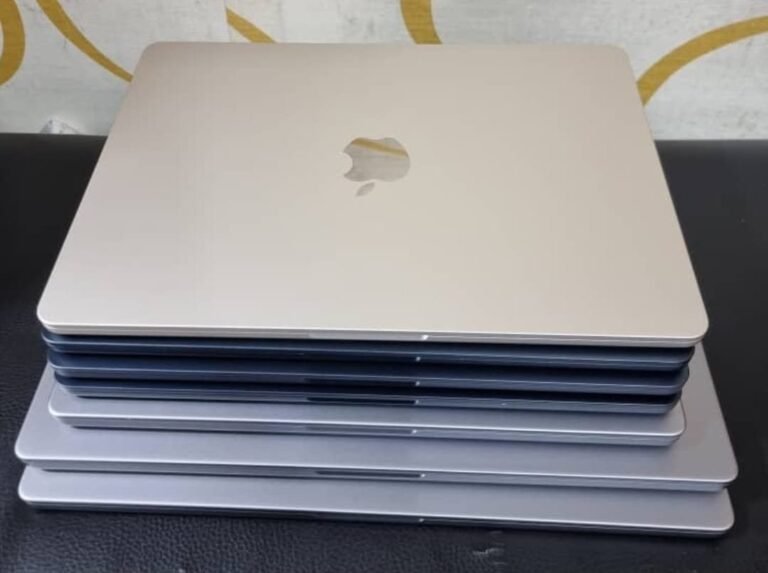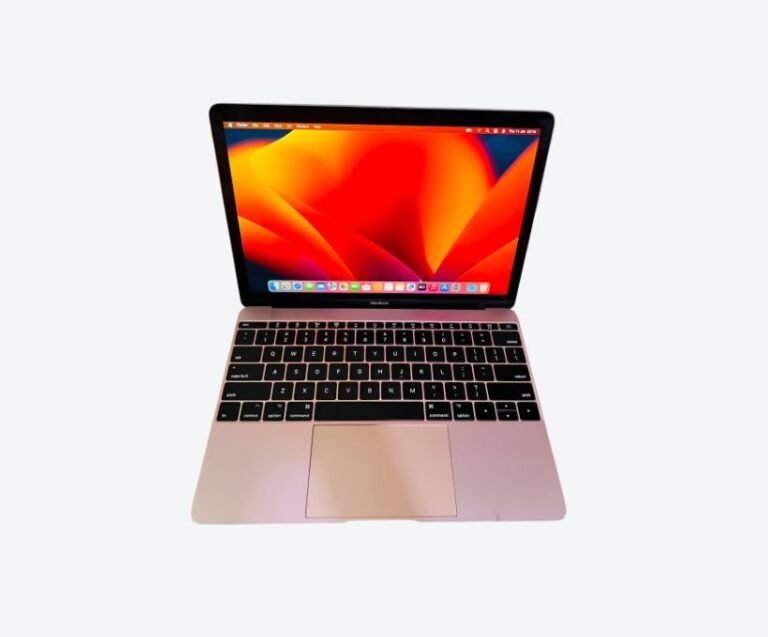


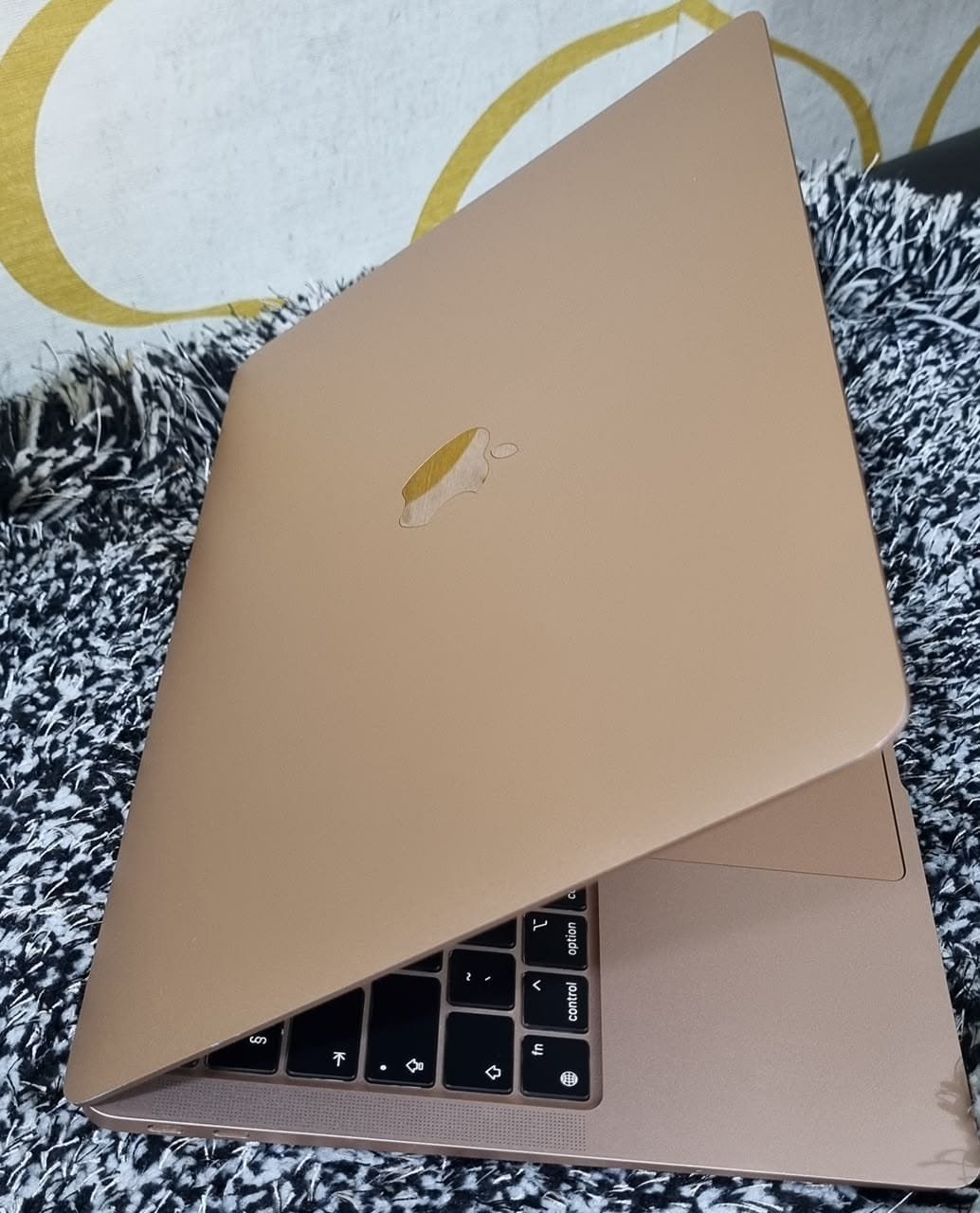

The best MacBook for music production in Uganda is a 14-inch MacBook Pro with 16GB of memory and 512GB of storage. Audio work is less about raw CPU cores than most producers assume, but it punishes two things hard: too little memory once sample libraries and plugins load, and a machine that either overheats or makes noise in a live room. The 14-inch Pro handles both — it has active cooling that keeps performance steady through long sessions, and its fans stay inaudible until the workload is genuinely heavy.
If you mostly produce in the box with a small plugin count, a 16GB MacBook Air at around UGX 3.3M is a legitimate choice, and it has one advantage the Pro does not: no fan at all.
What Audio Work Actually Demands
Music production looks like a heavy workload and behaves like a specific one. Understanding which part of the machine each stage uses tells you where to spend money.
Recording is light. A handful of tracks at 24-bit/48kHz is trivial for any Apple Silicon chip. What matters during recording is latency and noise, not processing power.
Mixing is memory-hungry. A session with forty tracks, several instances of a sampled instrument, and convolution reverb on a bus will occupy 8GB or more before you open a browser. This is where 8GB machines start to struggle.
Mastering and rendering are burst loads. They finish quickly and then the machine idles, which suits almost any modern Mac.
The practical conclusion: buy memory, keep storage generous for sample libraries, and do not pay a premium for the fastest chip.
One consequence worth stating plainly: a producer upgrading from an old Intel MacBook will notice the difference immediately, while one moving from an M1 to an M3 will mostly notice the price.
Why Single-Core Speed Still Matters in Audio
Audio software is unusually dependent on single-core performance, because a signal chain on one track must be processed in order. You cannot parallelise a compressor feeding an EQ feeding a limiter — it is a serial calculation, and it has to finish before the buffer empties.
This is why audio forums still argue about single-core benchmarks while video editors talk about GPU cores. In practice, every Apple Silicon chip handles a typical session comfortably. The M1 remains entirely capable of professional work in 2026, and the difference between an M1 and an M4 in a real session is smaller than the difference between 8GB and 16GB of memory.
Where chip generation does matter is plugin-heavy sessions: large orchestral templates, dozens of instances of a demanding virtual instrument, or heavy analogue-modelled plugins across many tracks. If that describes your work, the newer chip helps. If you record bands and mix at home, it does not.
Fan Noise, and Why the Air Is Sometimes Better
For studio work this is the most underrated consideration in the entire purchase.
A fanless MacBook Air is completely silent. In a small room with a condenser microphone, that matters more than a benchmark score. A MacBook Pro’s fans will eventually spin up during a long mix, and while they are quiet by laptop standards, a microphone hears them.
The trade-off is thermal. The Air has no fan because it has no need for one at moderate load — but during a long export, a heavy plugin session, or a large tracking session with many instances running, it slows down to stay cool. In practice this means the Air is excellent for tracking vocals in a quiet room, and less suited to running a full mix session for six hours straight.
The honest recommendation: if recording in the same room as the machine is central to your work, the Air’s silence is a genuine feature. If you mix for long stretches, the Pro’s cooling is worth more than the silence.
Sample Libraries and Storage
Storage is where music producers get caught, because libraries are enormous. A full orchestral collection can exceed 500GB on its own, and a serious plugin collection adds more.
256GB is not viable for anyone using sampled instruments. 512GB is workable if you stream larger libraries from an external SSD. 1TB is comfortable and is worth the premium if you can afford it, because it removes an entire category of workflow friction.
Two details matter when using external drives. Keep sample libraries on an SSD rather than a spinning drive, because streaming from a mechanical disk causes dropouts. And prefer drives that connect over USB-C or Thunderbolt directly, without a hub — hubs introduce the kind of intermittent problems that are hard to diagnose mid-session.
Keep at least fifteen percent of the internal drive free, because a nearly full SSD slows sample streaming long before it fails outright.
Ports, Interfaces and Peripherals
A producer’s machine is a hub, and the port count decides how painful that is.
The 14-inch MacBook Pro has three Thunderbolt ports, HDMI and an SD slot. That is enough for an audio interface, a drive and power without a dock, with one port spare for a MIDI controller.
The MacBook Air has two ports. With an interface and power connected, there is nothing left — so a dock becomes mandatory. Budget for it, and choose one that is genuinely reliable rather than the cheapest available, because audio interfaces and USB hubs are a well-known source of clicks and dropouts.
Both machines handle class-compliant interfaces without drivers, which covers most modern audio interfaces. Older interfaces that require manufacturer drivers can be a problem on recent macOS versions, so check compatibility before buying either the interface or an older Mac.
Check the dock’s power delivery rating as well. A dock that cannot pass enough wattage charges the laptop slowly while everything else runs, which shows up later as a battery that never quite recovers.
MacBook Pro or Mac mini for a Studio
If the machine will live in one room and never travel, a Mac mini deserves serious consideration.
It costs less than an equivalent laptop, runs cooler, has no battery to age, and offers more ports. For a fixed production desk, that is a better use of money than paying for portability you will not use. The trade-off is that it is not a laptop — no battery, no built-in screen, no working from a café.
The middle case: many producers buy a laptop because they also want to write on the sofa or take the machine to a session. If that is you, buy the laptop and accept the price. If the machine is going to sit on a desk under a screen, buy the mini and put the difference into a better interface or microphone.
One further factor in the mini’s favour: it has no battery to replace, which removes the single most common repair cost over a five-year life.
What to Check When Buying Used
Audio work is sustained and thermal, so a used machine that has run hot for years will disappoint. Check the battery cycle count, since a producer’s laptop is often left plugged in and the battery still ages. Confirm the machine is free of activation lock, and test every port with a real interface rather than assuming they work.
Ask how the machine was used. An ex-corporate MacBook and an ex-studio MacBook are different propositions — the second has probably been run hard and may have a worn battery and a dusty cooling system. Neither is disqualifying, but the price should reflect it. The used MacBook buying guide lists the full set of checks, and the 21-point inspection explains what a dealer should have tested before the machine reaches the shelf.
Ask to hear the machine under load. Open a heavy session and listen — a fan that runs constantly even at idle usually means a clogged cooling system rather than an actual fault.
Frequently Asked Questions
Is a MacBook good for music production?
Yes. macOS is the platform most audio software is developed for first, Core Audio is reliable with low latency, and Apple Silicon handles typical sessions comfortably. Logic Pro is exclusive to macOS, which alone decides the question for many producers.
How much RAM do I need for music production?
16GB is the practical standard for anyone using sampled instruments and multiple plugins. 8GB works for recording and light mixing but becomes frustrating once a session grows. Memory cannot be upgraded later, so buy 16GB if the budget allows.
Is a MacBook Air good enough for music production?
For recording, writing and mixing modest sessions, yes, and its fanless design makes it silent in the room. For large sessions with many virtual instruments, or long export jobs, a MacBook Pro with active cooling is the better tool.
How much storage do I need for music production?
512GB minimum if you use sampled instruments, and 1TB if you can. An orchestral library alone can exceed 500GB. Stream large libraries from an external SSD rather than filling the internal drive.
Which MacBook should I buy for music production in Uganda?
A 14-inch MacBook Pro with 16GB and 512GB is the safest choice, typically UGX 3.45M to 4.35M for an M1 Pro. For a fixed studio desk, a Mac mini with the same memory costs less. See current MacBook prices in Uganda for ranges.
Related reading: best MacBook for video production, best MacBook for DJs, buying a used MacBook in Kampala.
Next step. Tell us what you record and which DAW you use, and the recommendation becomes specific rather than general. Message Mudde AI on WhatsApp at +256 787 219 891, or browse current stock to see what is available at Majestic Plaza this week.
Also read: Best MacBook for Programming in Uganda (2026)., Best MacBook for Work in Uganda (2026), Best MacBook for Students in Uganda (2026)