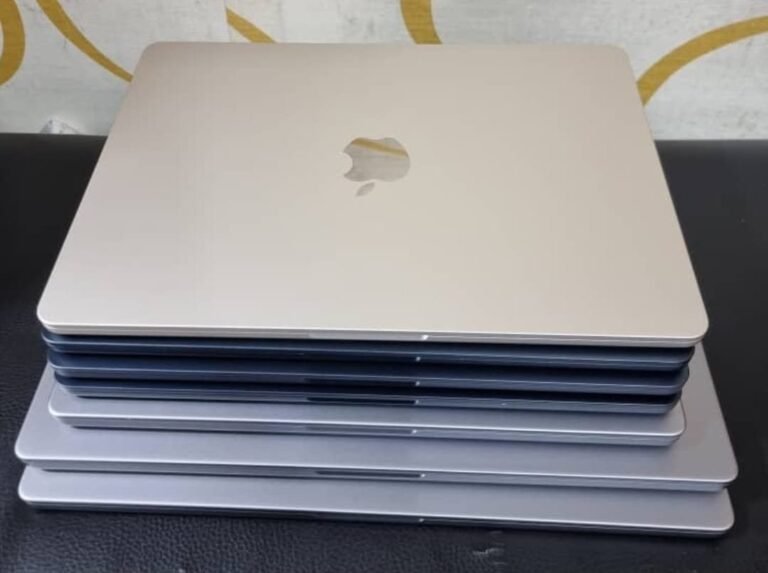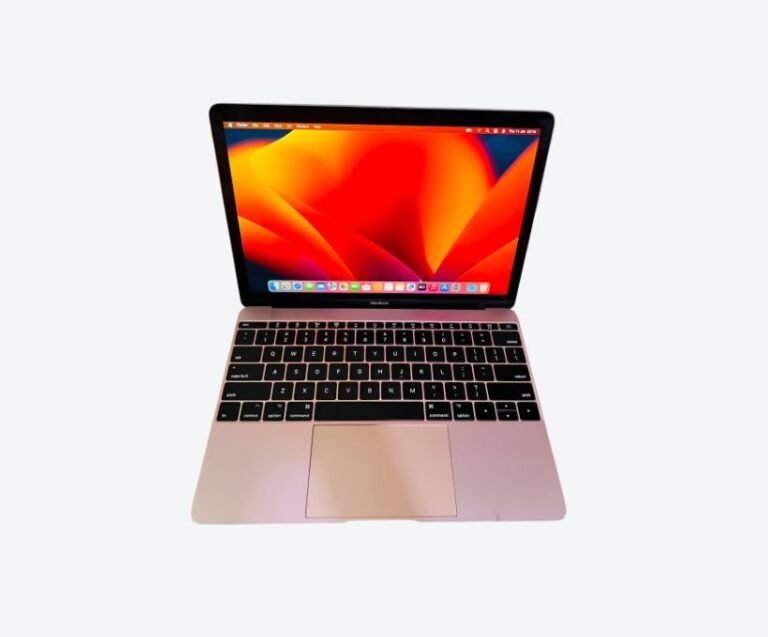



The best MacBook for programming in Uganda in 2026 is a 14-inch MacBook Pro with an M1 Pro chip and 16GB of memory, which costs roughly UGX 3.45M to 4.35M used. It gives you active cooling for long builds, enough memory for a code editor, a browser with forty tabs and a Docker container running at once, and a screen that fits two files side by side. If your budget is tighter, a 16GB MacBook Air M2 at around UGX 3.3M handles most development work well — it just slows down during sustained compilation.
That answer assumes you are building real software. If you write scripts and study, the calculus changes, and this guide covers that case too.
Why Memory Decides a Developer’s MacBook
Developers ask about chips. They should ask about memory, because memory is what runs out first and it can never be upgraded on any Apple Silicon MacBook.
A typical development session in 2026 is not one application. It is a code editor, a browser with documentation and a staging site open, a terminal running a local server, and often a database or a container. Chrome alone can consume several gigabytes. Add a containerised stack and 8GB stops being theoretical — you start seeing swap, the machine warms up, and the fan spins.
16GB is the practical floor for professional development. 24GB is comfortable if you run Docker, multiple virtual machines, or large language models locally. 8GB is workable for learning, scripting and lightweight web work, but it will feel constrained within a year of serious use. Our guide to how much RAM you actually need goes deeper on the real-world difference.
Which Chip: M1, M2, M3 or M4
For compilation and test runs, every Apple Silicon chip is fast. The differences that matter to a developer are subtler.
The M1 is still entirely capable in 2026 and is the value choice. Compile times on an M1 Pro beat most Intel laptops sold new today. The M2 adds efficiency and a better camera for calls. The M3 and M4 add a stronger GPU, which matters if you are doing machine learning work rather than application development. If your work is Python, JavaScript, PHP, Go or Java, chip generation should be your last consideration — memory, storage and cooling come first.
One rule holds across all of them: an older chip with 16GB beats a newer chip with 8GB for development, every time.
There is also a practical point about software support: Apple typically provides macOS updates for roughly seven years from a model’s release. An older chip therefore has fewer years of updates ahead of it, which matters if you intend to keep the machine past 2030. Check the model’s release year before assuming a cheap machine is a long-term one.
Air or Pro: The Cooling Question
This is the decision most developers get wrong, because the two machines look similar on a specification sheet and behave differently under load.
The MacBook Air has no fan. It is silent, light and excellent for writing code, running tests and working in a browser. But when you compile a large project, run a long test suite, or export a build, the chip has to slow itself down to stay cool. A task that takes four minutes on a Pro can take seven on an Air, and the gap widens the longer the job runs.
The MacBook Pro 14-inch has active cooling and sustains its performance indefinitely. If you compile often, run local servers, or use your machine as your primary work tool for eight hours a day, the Pro is worth the extra weight and cost. If you mostly edit files and push to a remote CI pipeline, the Air is the better buy and you will not miss the fan.
Storage, Ports and Screen
Storage is the specification developers most often regret. A development machine accumulates node_modules directories, container images, SDKs, database dumps and virtual environments with alarming speed. 256GB fills faster than expected; 512GB is the sensible minimum for professional work, and an external SSD handles archives cheaply.
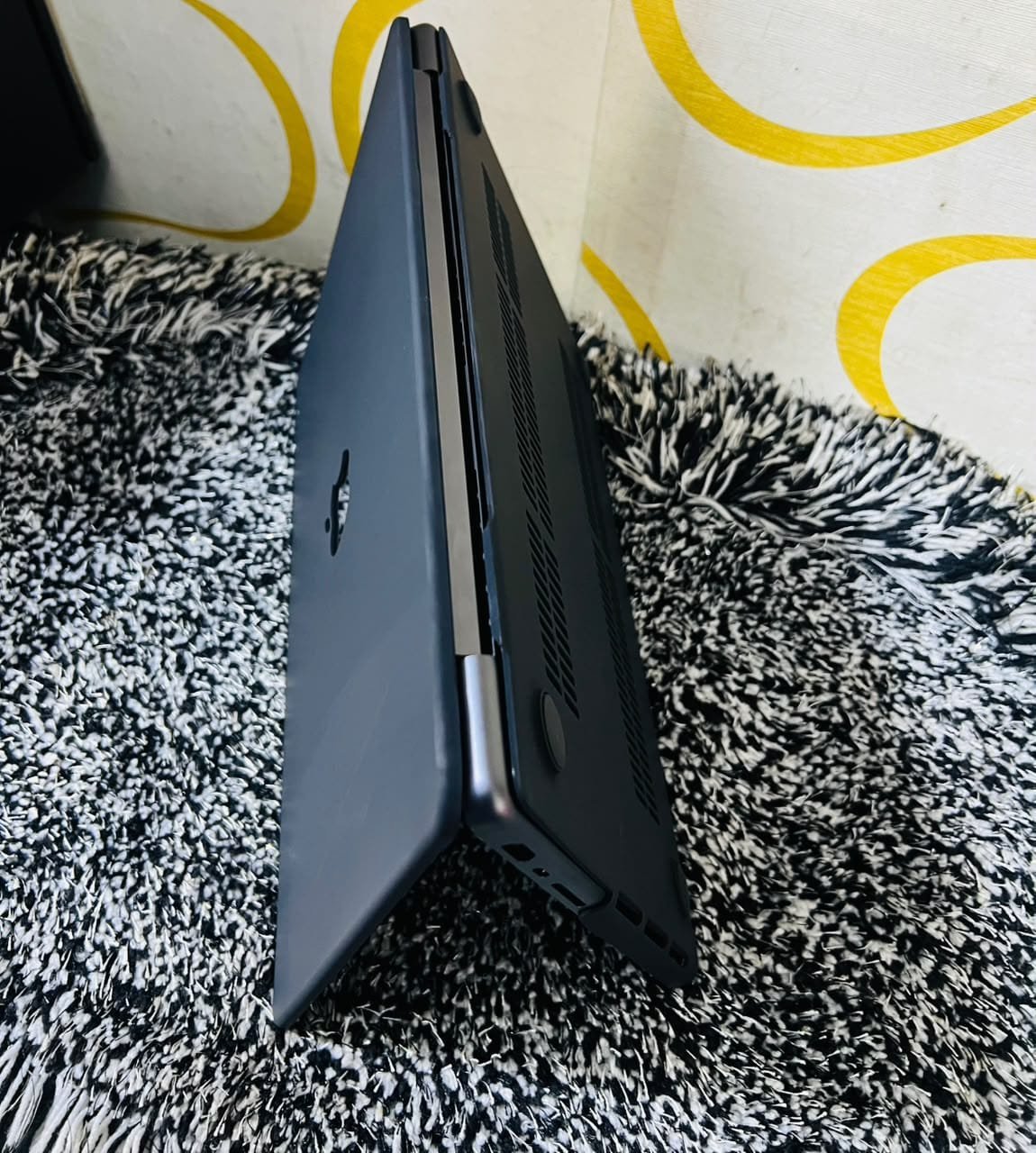
The 14-inch Pro has three Thunderbolt ports, an SD card slot and an HDMI port, which means you can dock a monitor, a drive and power without a hub. The Air has two ports, so a dock becomes mandatory. Budget for that dock when comparing prices — it narrows the gap between the two machines.
The 14-inch screen is also meaningfully better for reading code: higher brightness, better contrast and more vertical space at a usable scaling. Developers spend their day looking at text, and this is one of the few places where the Pro’s premium is felt daily rather than occasionally.
If you work with virtual machines or container images, 512GB fills faster than you expect, and an external NVMe drive in a USB-C enclosure is the cheapest way to add capacity without paying the soldered-storage premium.
What Each Workflow Actually Needs
Different development work has different bottlenecks, and matching the machine to the workflow avoids paying for capacity you will never use.
| Workflow | Memory | Storage | Recommendation |
|---|---|---|---|
| Learning to code, scripts, small projects | 8GB | 256GB | MacBook Air M1 or M2 |
| Web development, one framework, local server | 16GB | 512GB | MacBook Air M2 or Pro 14-inch |
| Full-stack with Docker and databases | 16–24GB | 512GB | MacBook Pro 14-inch M1 Pro |
| Mobile development with simulators | 16–24GB | 512GB | MacBook Pro 14-inch |
| Machine learning and local models | 24GB+ | 1TB | MacBook Pro 14-inch M3 or M4 |
Note what is missing from that table: raw CPU speed. It is rarely the constraint. Memory pressure and storage exhaustion cause far more frustration than a chip being one generation older.
Two additions to that table. If you work with large repositories, Git operations are I/O bound, so storage speed matters more than chip generation. And if you run Windows in a virtual machine for testing, add 8GB to whatever your workload suggests, because both operating systems need memory at the same time.
What to Check Before Buying Used
A used development machine needs the same checks as any other MacBook, plus a few specific ones.
Confirm the battery cycle count is under about 500 and the health is above 85 percent, because a laptop that lives plugged in still ages. Verify the machine is signed out of iCloud and shows no Remote Management prompt at boot — ex-corporate developer machines are common in this market and a management enrolment can wipe the device remotely. Run Apple Diagnostics by holding D at startup. Test every port with a real device, since a dead Thunderbolt port breaks your dock setup.
If you are buying from a shop, ask for the inspection in writing and confirm what the warranty covers. Our guide to buying a used MacBook in Kampala sets out the full fifteen-minute checklist, and the 21-point inspection process explains what a dealer should be testing before a machine reaches the shelf.
MacBook vs Windows for Development in Uganda
A Windows laptop with similar specifications is usually cheaper, and Linux on Windows has improved considerably. The MacBook still wins for most developers in Kampala for three practical reasons.
First, the toolchain. macOS is a Unix system, so Ruby, Python, Node, PostgreSQL and most deployment tooling install without workarounds. Second, battery life and heat: an Apple Silicon MacBook runs cool and lasts a full working day, which matters when power is unreliable and you are working from a café or a shared office. Third, resale value holds far better than a Windows laptop of the same age, which reduces the true cost of ownership.
The honest exception is .NET and Windows-specific enterprise development, where a Windows machine remains the path of least resistance.
There is a cost angle too: a Windows laptop that genuinely matches an M1 Pro on battery, build quality and resale is rarely cheaper once you price the equivalent business-grade model rather than a consumer one.
Frequently Asked Questions
Is 8GB enough for programming?
For learning, scripting and simple web projects, yes. For professional work with containers, databases and a large editor, no. 8GB forces the system to swap to disk under load, which slows everything and wears the SSD. Buy 16GB if your budget allows it.
Is a MacBook Air good for coding?
Yes, for most coding. It is silent, light and fast for editing and testing. It throttles during long compilations because it has no fan, so if you build large projects daily, a MacBook Pro is the better tool. Many developers use an Air happily and push heavy builds to CI.
How much should I spend on a MacBook for development in Uganda?
Around UGX 3.3M buys a 16GB MacBook Air M2, and UGX 3.45M to 4.35M buys a 14-inch MacBook Pro M1 Pro with 16GB. Both are sensible. Spending beyond UGX 5M buys newer silicon rather than more capability for typical application development. Current ranges are set out in our MacBook prices in Uganda guide.
Do I need 32GB for development?
Only if you run multiple virtual machines, large local databases, or AI models in memory. Most application developers never exceed 16GB in practice. If you do exceed it, you will know, because the machine will start swapping and you will see it in Activity Monitor.
Should I buy Intel or Apple Silicon for coding?
Apple Silicon, without exception. Intel MacBooks run hot, throttle under compilation and have less remaining software support. The price difference on the used market no longer justifies the compromise.
Related reading: MacBook prices in Uganda, can a MacBook run AI locally, buying a used MacBook in Kampala.
Next step. Next Step
Decide your memory first, then your screen size, then your chip. If you want a specific recommendation, message Mudde AI on WhatsApp at +256 787 219 891 with the stack you work in and your budget, or browse current MacBook stock to see what is on the shelf at Majestic Plaza this week.