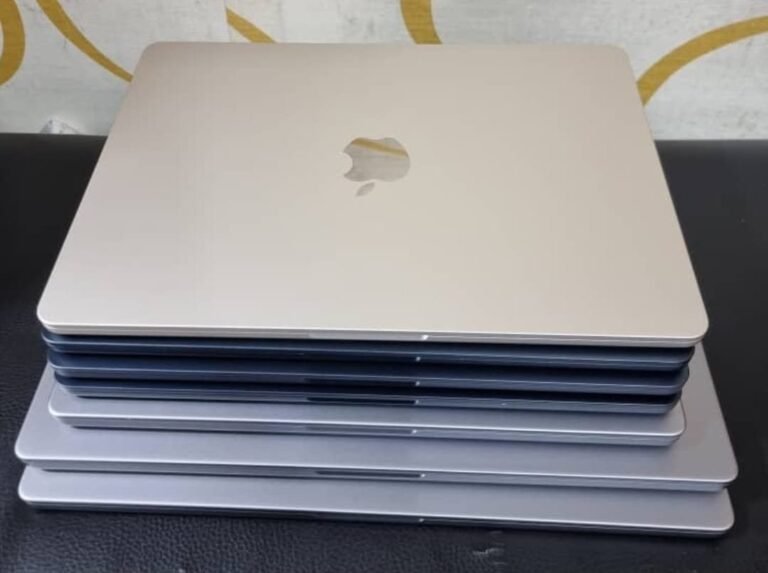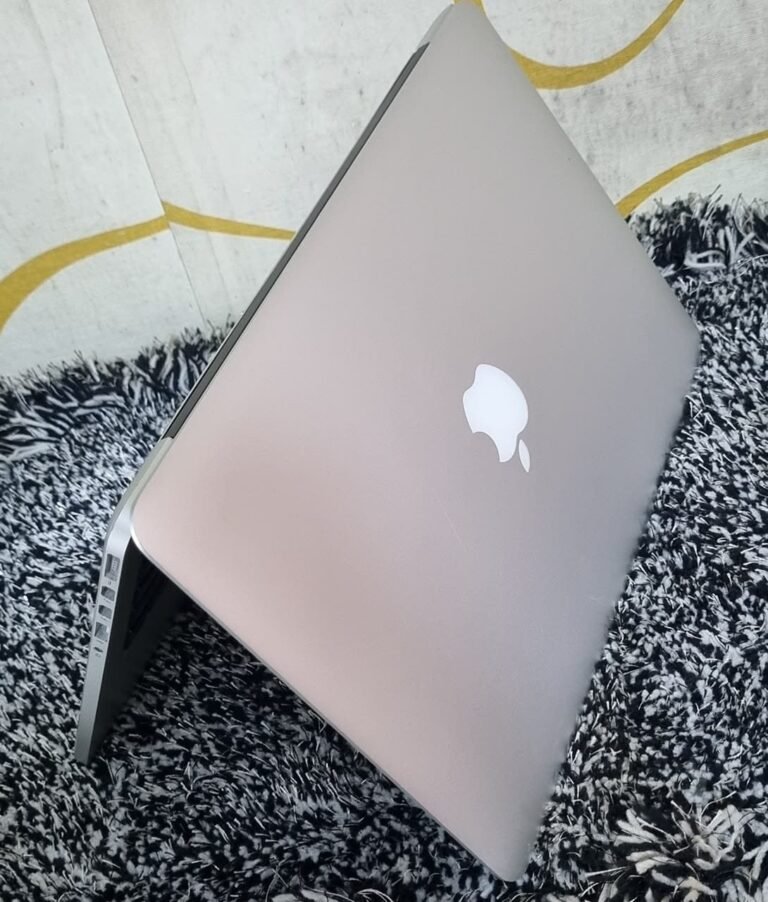


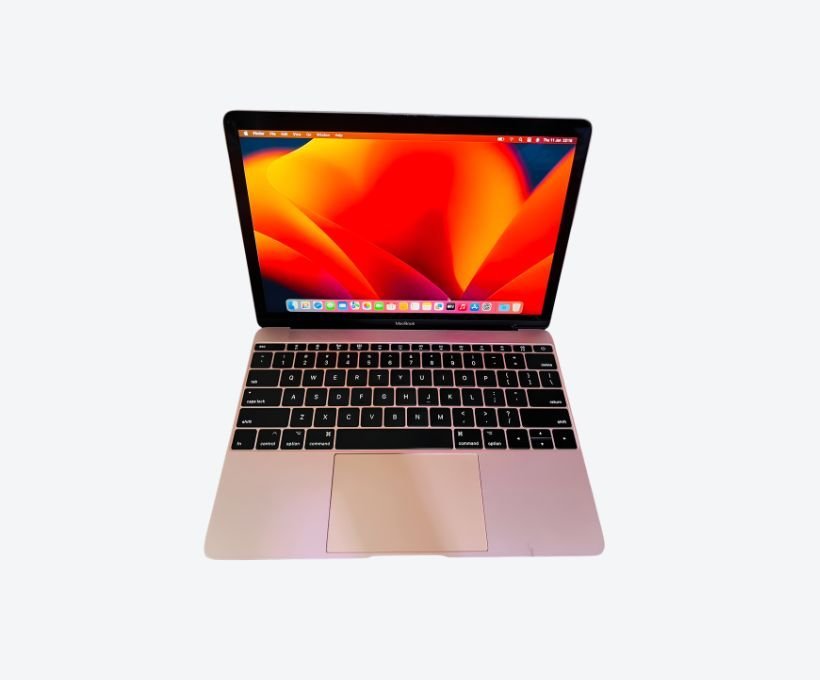

The best MacBook for a university student in Uganda depends on the course, not the budget alone. Law, business and humanities students need little more than a 13-inch MacBook Air with 8GB or 16GB, which starts around UGX 1.8M to 2.4M used. Engineering, computer science and design students need 16GB and more storage, and should expect to pay UGX 3.3M upward. Buying beyond your course requirements wastes money; buying below them wastes a degree’s worth of frustration.
This guide works through each discipline, because the “best student laptop” question has a different answer in a law library and a CAD lab.
Start With What Your Course Actually Runs
Most students buy a laptop for the course they are about to start, not the one they are doing. That is where the money goes wrong in both directions.
A humanities student who buys a 24GB MacBook Pro has bought capability they will never use. An architecture student who buys an 8GB Air has bought a machine that will not run the software on their reading list by second year.
The practical approach is to find the software list for your course before you buy, then match the machine to it. Every faculty publishes one, and it is a more reliable guide than any recommendation from a friend who studies something else.
If you cannot find the software list, ask the faculty office directly. They answer this question every year, and the answer rarely changes between intakes.
That single conversation is worth more than any review you will read about specifications.
By Discipline: What Each Course Needs
These recommendations assume a four-year course and a machine you want to last the whole time.
| Course | Memory | Storage | Recommended machine |
|---|---|---|---|
| Law, business, humanities, social sciences | 8–16GB | 256–512GB | MacBook Air 13-inch |
| Medicine, pharmacy, health sciences | 16GB | 512GB | MacBook Air 13-inch or 15-inch |
| Computer science, IT, software engineering | 16GB | 512GB | MacBook Air or MacBook Pro 14-inch |
| Engineering (electrical, mechanical, civil) | 16GB | 512GB | MacBook Pro 14-inch, with Windows caveat |
| Architecture and design | 16–24GB | 512GB+ | MacBook Pro 14-inch |
| Media, journalism, film | 16GB | 512GB+ | MacBook Pro 14-inch |
Two entries need explanation. Engineering students frequently need Windows-only software such as certain CAD and simulation packages, which means either a Windows laptop or a MacBook running Windows in a virtual machine — and that needs extra memory. Media students need to edit video, which the Air does only slowly.
Where a course sits between two rows in that table, buy for the heavier one. Requirements grow over a degree; they almost never shrink.
The 8GB Question for Students
An 8GB MacBook Air is genuinely adequate for a law or business student: documents, research, email, lecture slides and video calls. It will serve four years without drama if the student is disciplined about closing tabs.
The trouble is that 8GB leaves no margin. One browser with thirty tabs, a video call and a document open is already the edge of comfort, and by third year the same machine feels slow with software that was fine in first year.
If the budget stretches to 16GB, take it. The difference is a few hundred thousand shillings and it buys two extra years of comfortable use. Since memory is soldered and cannot be upgraded, this is the one place where spending more now saves more later. Our 8GB versus 16GB comparison sets out the real-world difference.
Students who mainly type, read and research will be comfortable. Students who run simulations, compile large projects or edit media will not, and they should treat 16GB as the starting point rather than the upgrade.
New, Used, or a Cheaper Windows Laptop
Three routes, and all three are legitimate for students.
A used MacBook Air is the best value route in Kampala. A machine with 8GB and a healthy battery costs a fraction of a new one and does everything a first-year needs. Buy it inspected, with a warranty, from a dealer who will still be there next term.
A new MacBook costs considerably more for the same daily experience, and the main gain is a full manufacturer warranty and a fresh battery. If a parent is funding the purchase and peace of mind matters more than money, this is a reasonable choice.
A Windows laptop is cheaper at the same specification and is the right answer for students whose courses require Windows-only software. What it gives up is battery life, resale value and the long-term reliability that makes a four-year-old MacBook still usable.
Whichever route you take, buy before term begins rather than in the middle of a deadline, when stock is thinner and prices are less forgiving.
Battery and the Campus Reality
Student life is unplugged life: lecture halls without sockets, library seats away from the wall, group work in a café, and power cuts during the exam revision period.
This is where a MacBook earns its reputation. A full working day of battery means a student can carry the machine all day and charge it at night, which is exactly the pattern campus life requires. It also means a power cut during an assignment is an inconvenience rather than a crisis.
Check the battery before buying a used machine, because a student cannot afford a laptop that dies in the afternoon. Cycle count under 500 and capacity above 85 percent is the target; our guide to checking battery health explains how to read the numbers in under a minute.
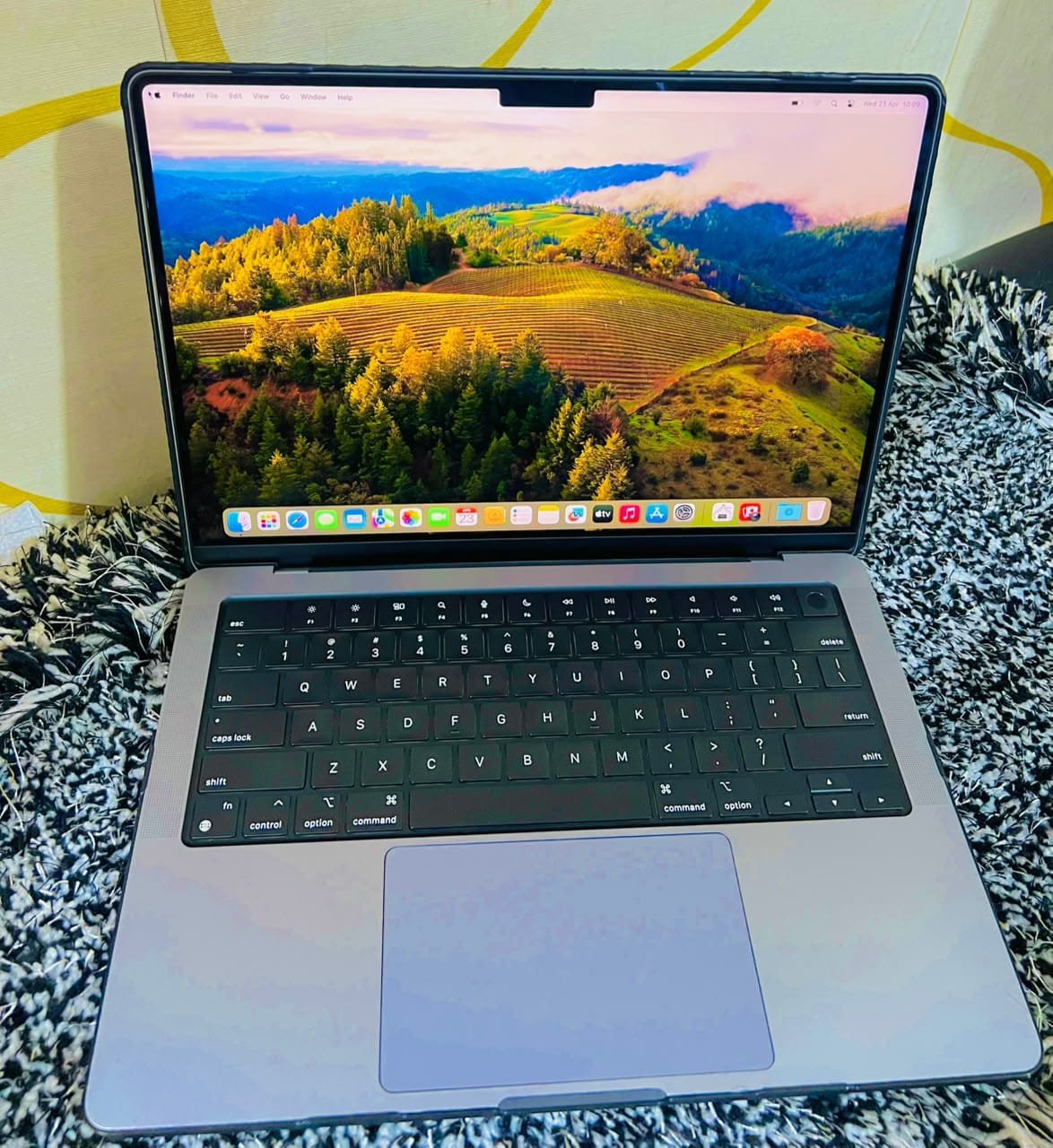
Protecting a Student Machine
A laptop carried between hostels, lecture halls and libraries takes punishment. Two inexpensive precautions extend its life considerably.
A hard shell case and a padded sleeve prevent the corner dents and lid pressure marks that cost the most to repair. And a keyboard cover is cheap insurance against the spilled drink that ends a machine’s life — though it must be removed before closing the lid, or it will mark the screen.
Software hygiene matters too. Enable FileVault, set up automatic backups to an external drive or cloud storage, and register the machine so it can be located if lost. Students lose laptops; a backup turns a disaster into an inconvenience.
Insure what you could not afford to replace, and back up what you could not afford to lose. Those two habits cover almost every disaster a student laptop actually faces, from theft in a hostel to a failed drive the night before submission.
Buying Tips for Students in Uganda
Buy before the semester starts, not during it. Prices are firm and stock is thinner once term begins, and a student without a working laptop in week three is in a difficult position.
Bring the course software list with you. A dealer who knows what you need can tell you whether a specific machine will run it, and that conversation is more useful than a specification sheet.
Ask about student pricing. Mudde AI offers a 5 percent discount to students with a valid ID, which on a UGX 3.3M machine is worth asking for. Confirm what the warranty covers before you pay, and keep the receipt — it is the thing you will need if the machine develops a fault in month two.
The used MacBook buying guide covers the checks in full, and current prices in Uganda show what each tier should cost so you can tell a fair price from an inflated one.
Frequently Asked Questions
Is a MacBook good for university students?
Yes, for most courses. It offers all-day battery, reliability, portability and strong resale value when the student upgrades later. Students needing Windows-only software should check their course requirements first.
How much should a student spend on a MacBook in Uganda?
Around UGX 1.8M to 2.4M covers a used MacBook Air for humanities and business courses. Budget UGX 3.3M upward for engineering, computer science, design or media courses that need 16GB and more storage.
Is 8GB enough for a student laptop?
For documents, research and video calls, yes. For four years of comfortable use and any heavier software, 16GB is the safer choice. Memory cannot be upgraded, so it is the specification worth stretching for.
Should a student buy a used or new MacBook?
Used is better value in Kampala if the machine is inspected and carries a warranty. New makes sense where a parent wants a manufacturer warranty and a fresh battery, or where the machine must last the entire course without repair.
Which MacBook is best for engineering students?
A 14-inch MacBook Pro with 16GB, provided the required software runs on macOS or in a virtual machine. Check your faculty’s software list first, because some engineering packages are Windows-only.
Related reading: best MacBook for work, MacBook prices in Uganda, buying a used MacBook in Kampala.
Next step. Bring your course software list and your budget, and the choice becomes straightforward. Message Mudde AI on WhatsApp at +256 787 219 891, ask about student pricing, or browse current MacBook stock at Majestic Plaza before term starts.
Also read: MacBook Storage: 256GB vs 512GB.