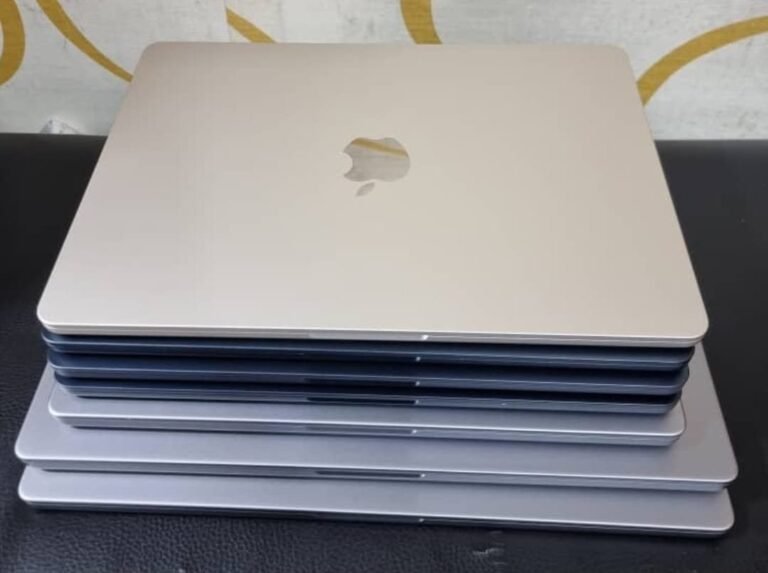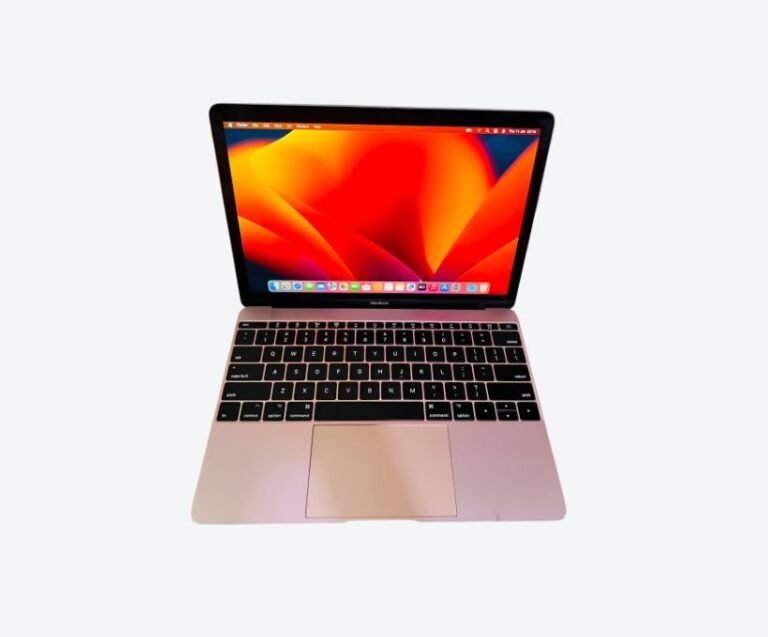




Choose 512GB if you install professional applications, keep a photo or music library, work with video, or plan to keep the machine for four years or more. Choose 256GB only if your work lives in a browser and in cloud storage, and you are disciplined about offloading files. The price difference is real, but so is the friction of a permanently full drive — and on every Apple Silicon MacBook, storage is soldered and can never be upgraded.
This guide is about the decision itself: what actually consumes space, where 256GB genuinely suffices, and when an external drive is the smarter purchase than a bigger internal one.
How Much Space macOS Itself Uses
Before counting your files, understand that a MacBook does not start empty.
A current macOS installation occupies roughly 20 to 30GB depending on version. That is the floor, and it grows. System updates stage themselves before installing, which can temporarily consume another 10GB or more. Time Machine local snapshots — created automatically even without an external drive — can occupy tens of gigabytes until they are purged.
Then there is the category macOS labels “System Data”, which is deliberately vague and routinely surprises people. It holds caches, logs, application support files and the working data of applications you have opened. On a heavily used machine it can reach 30 to 50GB, and it does not always shrink on its own.
Realistically, a 256GB MacBook has around 200GB of usable space on day one, and closer to 170GB after a year of ordinary use. That is the number to plan against, not the number on the box.
What Actually Fills a MacBook Drive
Different users fill drives in completely different ways, and knowing which category you fall into settles the question faster than any benchmark.
Developers accumulate toolchains. A full development setup with Xcode and simulators can pass 40GB on its own, before node_modules directories, container images and SDKs. A single Docker environment can occupy tens of gigabytes, and images are not always cleaned up automatically.
Photographers and designers accumulate library data. A working Lightroom catalogue with previews, alongside the originals, consumes hundreds of gigabytes for a serious collection. A music library with lossless files behaves the same way.
Video editors accumulate media, although most keep it external by necessity.
And almost everyone accumulates the same three things: a photo library synced from a phone, a Downloads folder nobody prunes, and application caches that never shrink. Those three alone routinely account for 60 to 100GB on an ordinary machine.
Run the storage panel on a machine you have used for a year and the answer will be obvious within seconds.
256GB: Who It Genuinely Suits
256GB is a legitimate choice, not a compromise, for a specific kind of user.
It suits someone whose work lives in a browser and in cloud applications: email, documents, project management, video calls. Add a phone photo library optimised for iCloud storage rather than full-resolution local copies, and 256GB is comfortable for years.
It suits students in law, business and humanities, whose storage is lecture notes, PDFs and assignments. A four-year degree’s worth of documents is measured in gigabytes, not hundreds of gigabytes.
It suits a second machine — the laptop that travels while the heavy work happens elsewhere.
What 256GB does not suit is anyone who installs professional creative software, keeps local photo or music libraries, develops software with large toolchains, or works with video. Those users will spend the machine’s life managing free space instead of using it, and that friction is worth more than the price difference.
It also suits a buyer who genuinely lives in cloud storage and keeps local files minimal — but that discipline has to be real, not aspirational.
512GB: Who Actually Needs It
512GB is the sensible default for a machine that will be a primary work tool.
It covers an operating system, a full application suite, a moderate photo library, a development environment, and a working set of project files, with room left over. That headroom is the point: an SSD that stays below about 75 to 80 percent full performs better, updates install without negotiation, and you stop thinking about storage.
It is the right choice for developers, designers, photographers, music producers with sample libraries, and anyone who keeps local media. It is also the right choice for a machine you intend to keep four or five years, because application sizes grow and your requirements grow with them.
The premium for 512GB over 256GB is usually smaller than the cost of replacing a machine a year early because it ran out of space.
For most professional buyers it is the last storage decision they will have to think about for five years.
Why You Cannot Upgrade Later
On Intel MacBooks, storage was sometimes replaceable. On every Apple Silicon MacBook, it is not.
The SSD is integrated into the machine’s architecture rather than mounted as a separate drive, and there is no slot, no standard connector and no supported path to increasing capacity after purchase. What you buy is what you will have.
This changes the decision from a preference to a commitment. It also means the resale value of a 256GB machine falls faster than a 512GB one, because the second-hand buyer faces the same constraint you did.
Memory is the same story, and it matters more. If you are weighing memory against storage, buy the memory first — our guide to 8GB versus 16GB in real workloads explains why, and the MacBook prices in Uganda guide shows what each tier costs.
That asymmetry is worth remembering at the point of sale: storage is a one-time choice, so choose for the fourth year rather than the first week.
External Storage: The Cheaper Route
For many buyers, the rational answer is 256GB plus a good external SSD, and it deserves a fair hearing.
A fast USB-C or Thunderbolt SSD costs a fraction of the internal storage upgrade, and it can be carried to your next machine. It is the correct home for archives, media libraries, old projects and backups.
What it cannot do is host your working environment. Applications generally want to live on the internal drive. Development toolchains, Lightroom catalogues and sample libraries behave poorly or not at all from external storage, and anything you access constantly becomes an inconvenience when the drive is not plugged in.
So the honest rule: external storage solves archive and media problems, not working-space problems. Buy enough internal storage for what you use daily, and use external drives for what you use occasionally.
Buy two: one for work, one for backup. A single external drive holding the only copy of your archive is a single point of failure, and drives fail without warning.
Frequently Asked Questions
Is 256GB enough for a MacBook?
For browser-based work, documents and study, yes. For professional applications, photo libraries, development toolchains or video, no. A 256GB drive has roughly 170 to 200GB usable after the operating system and a year of ordinary use.
Is 512GB worth the extra money on a MacBook?
Usually yes, if the machine is your primary work tool. It removes storage management from your day and protects resale value. The premium is typically smaller than replacing a machine early because it ran out of space.
Can I upgrade MacBook storage later?
No. On every Apple Silicon MacBook the SSD is not user-replaceable, and there is no supported upgrade path. The capacity you buy is the capacity you keep.
Should I buy more RAM or more storage?
Memory first. Memory cannot be upgraded and determines how many applications you can run at once; storage can be supplemented with an external drive. If you must choose, take 16GB and 256GB over 8GB and 512GB.
Does a full MacBook SSD slow the machine down?
Yes. macOS needs free space for swap, caches and updates. Once an SSD passes roughly 80 percent full, performance and update behaviour degrade noticeably. Keep headroom.
Next step. Look at your current machine’s storage bar in System Settings before deciding — most people discover they need less than they feared, or more than they assumed. Message Mudde AI on WhatsApp at +256 787 219 891 with your usage, or browse current MacBook stock in Kampala.