

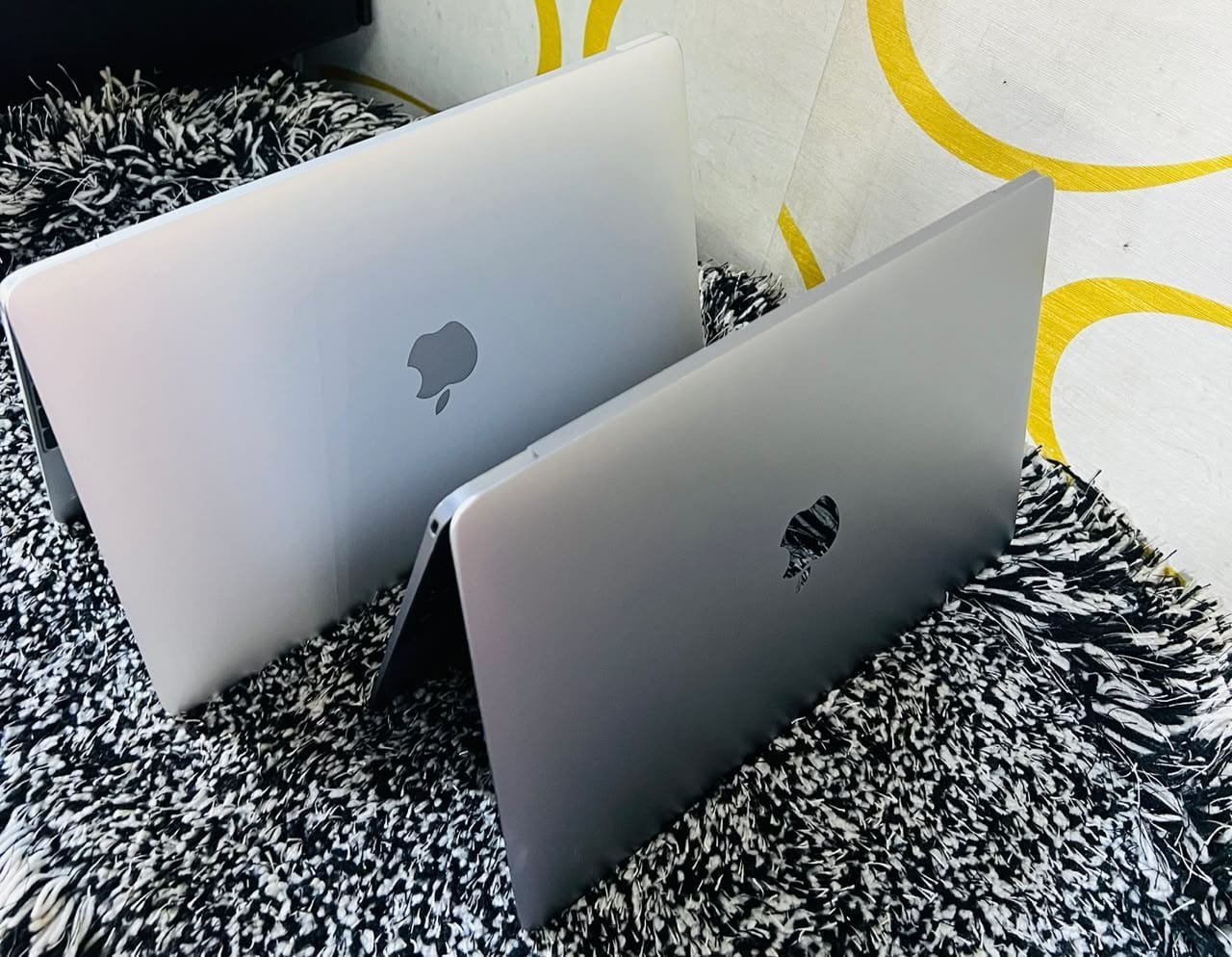

The best MacBook for a working DJ in Uganda is a 13-inch MacBook Air with 16GB of memory and 512GB of storage. DJ software is light by modern standards, so raw power is almost irrelevant — what decides a good DJ laptop is reliability under pressure, two working USB ports, a battery that survives a four-hour set, and a machine that does not overheat in a hot, crowded room.
That answer surprises people who expect the most expensive machine to win. It does not, because the failure modes in DJing are not performance failures. They are dropped USB connections, a flat battery, a crashed controller driver, and a laptop that shuts down mid-set.
What DJ Software Actually Needs
Serato DJ, Rekordbox and Traktor are not demanding applications. They load tracks, analyse waveforms, apply a few effects and read controller input. A machine from five years ago can do this without strain.
The requirement is consistency, not speed. A DJ laptop must do the same thing reliably for four hours in a room with poor ventilation, unreliable mains power and a crowd standing too close to the booth.
That reframes the specification. Memory matters enough to avoid stutter when the library is large and the waveform display is dense — 16GB removes any doubt. Storage matters because a serious music library runs from 100GB to 500GB. Processor generation matters least of all.
That is also why DJs should not buy on benchmark reviews, because the reviews measure sustained processing throughput rather than the two things that actually decide a set: stable audio drivers and ports that do not disconnect.
Reliability is the specification. Everything else is marketing.
Why Two USB Ports Is Not a Detail
Most DJ controllers connect over USB and are bus-powered, meaning the laptop supplies their power. Add a backup drive, a phone charger, or a second controller and the port count becomes the practical limit of your setup.
With an Audio 2, a controller and a drive, an Air’s two ports are already committed. Power then has to come from somewhere else, which is why many DJs run a powered USB hub.
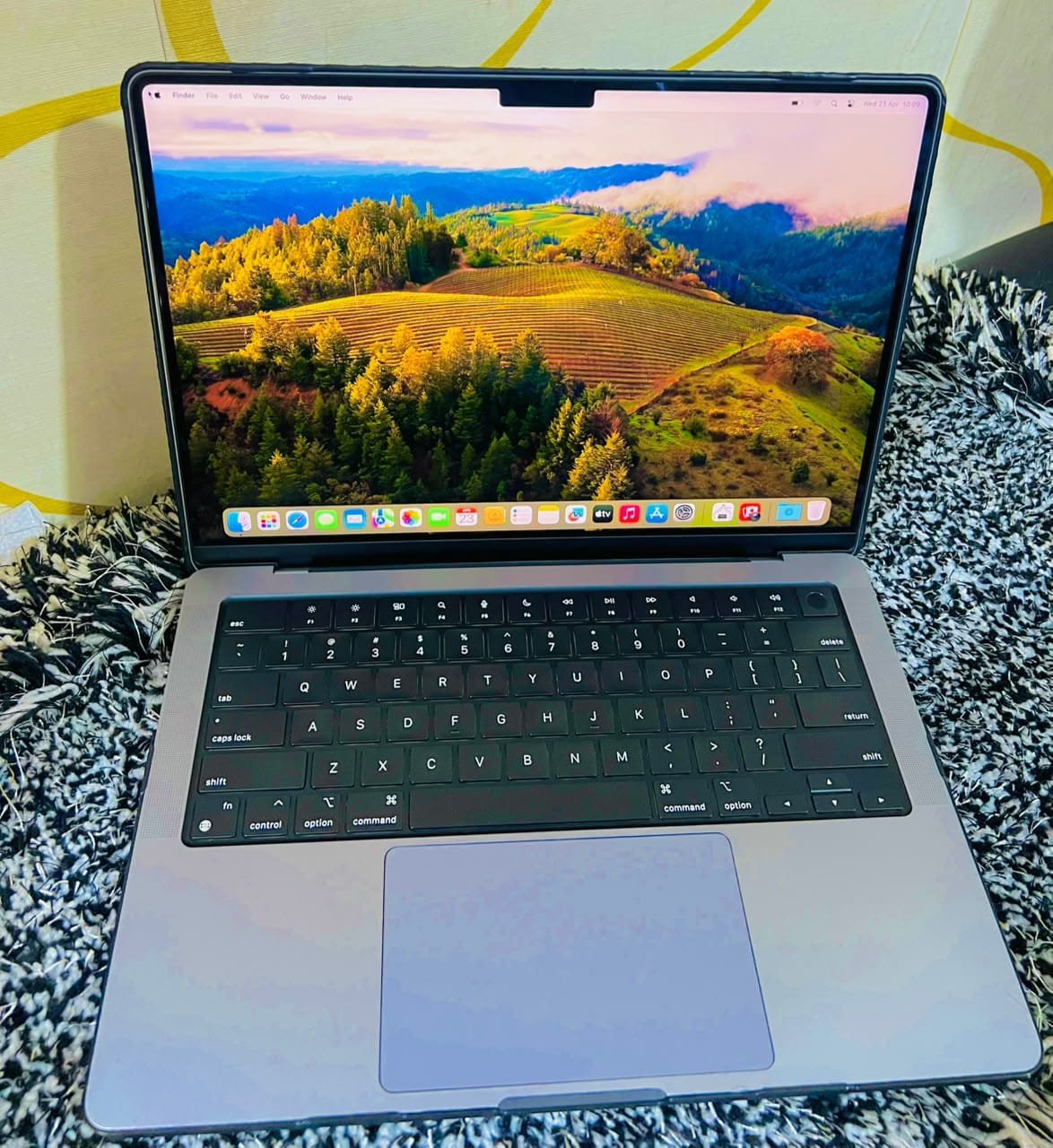
A hub works, but it introduces a failure point. Cheap unpowered hubs cause exactly the intermittent dropouts that ruin sets. If you use one, buy a powered hub from a known brand, and test it at home for several hours before trusting it in a club. On the 14-inch MacBook Pro you get three Thunderbolt ports plus HDMI, which removes the problem entirely at the cost of weight and money.
Label your cables as well. The most common booth failure is not hardware at all — it is plugging the controller into the wrong port in the dark, five minutes before a set.
Battery, Heat and the Club Environment
A DJ set is a thermal event. The booth is hot, the laptop sits on a table above a crowd, and the vents are often blocked by a stand or a cloth.
The MacBook Air’s fanless design is a genuine advantage here. There is no intake to choke with dust, smoke and lint — a real and underestimated failure cause for machines that live in venues. It also runs silently, which matters if you record sets.
The trade-off is that when an Air does get hot, it slows down rather than cooling itself. In DJ software that rarely shows, because the workload is light. Where it does show is in analysis: importing a hundred new tracks and letting the software build waveforms is a heavier job than playing them.
Battery is the other environment factor. Assume mains power will fail at least once during a set. A healthy battery gives you twenty to forty minutes to recover, which is often the whole difference between a hiccup and an ended night. Check cycle count before buying, and replace the battery before it becomes a problem rather than after. Our guide to checking MacBook battery health explains the thresholds.
Controller and Driver Compatibility
This is the most common reason a used MacBook turns out to be the wrong buy for a DJ.
Apple Silicon Macs require Apple Silicon native drivers. Most current controllers from Pioneer DJ, Native Instruments, Serato and Numark support them. Older controllers may not, and a controller that worked perfectly on an Intel Mac can be unsupported on a newer machine.
Before buying, check the manufacturer’s compatibility page for your exact controller model and the current macOS version. If you are buying used hardware as well as a used laptop, check both together — a mismatch discovered in the booth is an expensive lesson.
The same applies to audio interfaces built into some controllers. Class-compliant devices work without drivers; anything requiring a manufacturer driver needs that driver to exist for Apple Silicon.
Screen, Library and Preparation
A DJ laptop is used in the dark and in daylight, often in the same night, so screen brightness and viewing angles matter more than resolution. The Air’s display is bright enough for a booth and the Pro’s is brighter still.
Library management is the part nobody plans for. A well-organised library of 20,000 tracks with playlists, cue points and analysed waveforms is a professional asset, and it needs storage and a backup discipline. Keep the library on the internal drive, keep a full backup on an external SSD, and keep a second copy somewhere else. Losing a library the week before a residency is a specific and avoidable kind of disaster.
Two settings worth changing before a gig: disable automatic updates, and disable sleep on lid close if you use the machine closed with an external display. A macOS update installing itself at 11pm is not a hypothetical.
Buying Used for DJ Work
Buy on battery health, port function and driver compatibility, in that order.
Test every USB port with the controller you actually use, not with a flash drive. Confirm the battery cycle count and capacity. Check that the machine has no activation lock — a DJ cannot afford to discover that at soundcheck — and confirm it is not enrolled in management. The used MacBook buying guide covers those checks, and the 21-point inspection is built around the hardware faults that matter in the field.
Cosmetic condition matters less here than for other buyers, with one exception: liquid damage. A machine that has had a drink spilled on it may work today and fail unpredictably next month. Ask directly, and treat a hesitant answer as a no.
Ask whether the machine has been used outdoors or near a venue bar. Dust and moisture damage accumulate quietly and do not always show during a short inspection.
Frequently Asked Questions
Do DJs use MacBooks?
Widely, particularly outside Windows-heavy markets. Serato, Rekordbox and Traktor all run on both platforms, but macOS is often preferred for audio driver stability and for the fact that a MacBook does not spontaneously reconfigure its audio devices mid-set.
How much RAM does a DJ laptop need?
8GB is enough to play, and 16GB removes any doubt with large libraries and dense waveform displays. Since memory cannot be upgraded later, buy 16GB if the price difference is reasonable.
Is a MacBook Air good for DJing?
Yes, and it is often the better choice. It is light, silent, has no fan vents to clog with dust and smoke, and is powerful enough for any DJ software. Its limitation is two USB ports and thermal throttling under sustained load.
Do I need a powerful laptop for Serato or Rekordbox?
No. Both are light applications. A five-year-old machine meets the requirements comfortably. Prioritise battery health, port reliability and controller driver support instead of processor speed.
Which MacBook should a DJ in Kampala buy?
A 13-inch MacBook Air with 16GB and 512GB covers most working DJs, typically around UGX 3.3M to 3.6M for an M2 generation. Choose the 14-inch Pro if you also produce music or need three ports.
Related reading: best MacBook for music production, checking MacBook battery health, buying a used MacBook in Kampala.
Next step. Tell us which controller and software you use, and we will confirm compatibility before you buy rather than after. Message Mudde AI on WhatsApp at +256 787 219 891, or browse current MacBook stock in Kampala.