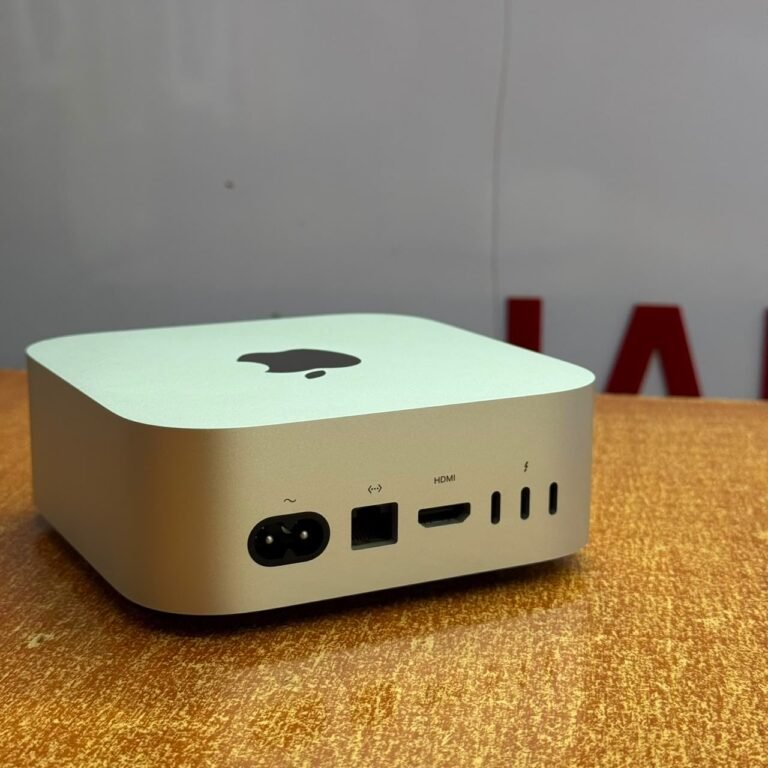



Yes — a MacBook can run AI models locally, and Apple Silicon machines do it better than most laptops of the same price. Whether yours can depends almost entirely on one number: unified memory. A 16GB MacBook runs capable 7B and 8B models comfortably. A 24GB machine handles larger 13B to 14B models. Running something in the 70B class needs 64GB or more, which is Mac Studio territory rather than laptop territory.
The practical answer for most buyers in Kampala: if you want to experiment with local models, buy 16GB minimum; if you want local AI to be part of your daily work, buy 24GB.
Why Memory Decides Everything
On a normal laptop, the processor has its own memory and the graphics card has separate memory, and data is copied between them. Apple Silicon does something different. The CPU and GPU share one pool of memory, so a model loaded into that pool is immediately usable by the GPU without being copied anywhere.
That is why a MacBook with 24GB can run a model that a Windows laptop with a 8GB graphics card cannot touch, even though the Windows machine may have a faster GPU on paper. Model size is limited by memory capacity, not by raw compute. Once a model fits, speed is reasonable; if it does not fit, it does not run at all, or it spills to disk and becomes unusably slow.
This also explains why memory cannot be fixed later. It is soldered to the chip package. There is no upgrade path, which makes it the single most important decision when buying a MacBook for AI work.
What Each Memory Size Can Run
These are approximate working ranges for quantised models, which is how local models are normally distributed. Leave roughly 20 to 25 percent of memory for macOS and your applications, or the machine will swap.
| Unified memory | Comfortable model size | Realistic use |
|---|---|---|
| 8GB | 3B–4B | Small assistants, summarisation, experiments |
| 16GB | 7B–8B | General chat, coding help, document analysis |
| 24GB | 13B–14B | Stronger reasoning, longer context, coding agents |
| 32GB | Up to ~30B quantised | Serious local work, still tight at the top end |
| 64GB+ | 70B class | Desktop-class workloads, Mac Studio territory |
Two cautions on that table. First, “runs” and “runs well” differ: a model that barely fits will slow to a crawl when you give it a long conversation, because context itself consumes memory. Second, larger models are not automatically better for your task — a well-chosen 8B model often outperforms a badly quantised 30B model on a narrow job.
A useful rule: add the model’s file size to the context you plan to use, then compare that total to about 75 percent of your memory. If it does not fit, drop to the next model size down rather than trying to squeeze it.
Air or Pro: Heat Changes the Answer
A MacBook Air will run a local model. It will also heat up and slow down, because it has no fan. During a short prompt-response interaction you may never notice. During a long generation, a batch job, or a loop that processes hundreds of documents, the Air throttles and the job stretches out.
The 14-inch MacBook Pro has active cooling and holds its performance for as long as the job lasts. If local AI is a hobby, the Air is fine. If it is part of how you work, this is the difference that justifies the Pro.
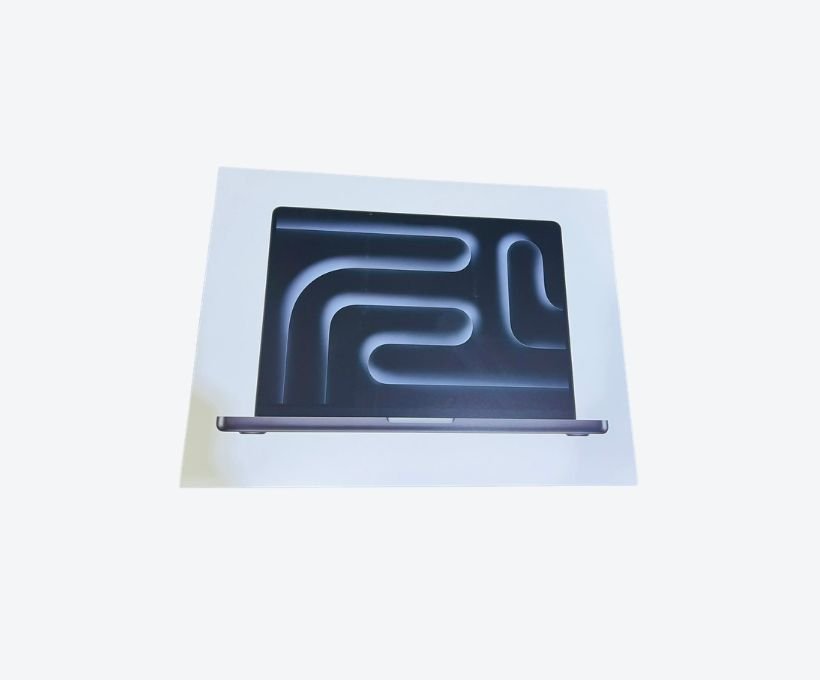
There is a workaround worth knowing: you can run long jobs in batches and let the machine cool between them, which suits the Air. What you cannot do is make a fanless machine sustain a multi-hour job without losing throughput.
The Software You Need
Running a model locally no longer requires a research background. Three tools cover most of what people actually want.
Ollama runs models from a terminal with a single command and manages downloads and memory for you. LM Studio provides a graphical interface, which suits anyone who would rather not use a terminal. MLX is Apple’s own framework for running models efficiently on Apple Silicon and is the right choice if you are building something rather than just chatting with a model.
The usual workflow is: install one of these, download a quantised model that fits your memory, and run it. No internet connection is needed afterwards, which is a genuine advantage when bandwidth is expensive or unreliable.
Whichever tool you choose, start with a small model to confirm the setup works before downloading something that fills your disk. Model files are large, and re-downloading over a slow connection is a frustrating way to spend an afternoon.
What Local AI Is Good For
Local models make sense when privacy matters, when you are offline, when you are processing many documents and would rather not pay per token, and when you want to build something that depends on a model rather than chat with one.
They make less sense when you need the strongest available reasoning. A frontier cloud model today is considerably more capable than anything that fits in 24GB, and it will stay ahead. Local AI is not a replacement for cloud AI; it is a different tool with different trade-offs. Most people who use both end up running small models for routine, private or bulk work and using cloud services for the hard problems.
If you want to understand how this fits into a wider hardware decision, our guide to AI laptops in Uganda covers the alternatives beyond Apple.
A practical middle ground many people settle on: run a small local model for drafting, summarising and extracting, then send only the hard cases to a cloud service. That keeps most of the volume private and cheap.
Buying Advice for Local AI in Kampala
Buy memory before you buy a newer chip. A 24GB M1 Pro will run larger models than a 16GB M4, and the difference in what you can actually do is larger than the difference in benchmark scores.
Buy 512GB of storage or more. Models are large files — a quantised 8B model is around 5GB, a 30B model closer to 18GB — and you will accumulate several. External drives work, but a model loaded from external storage is slower to start.
Verify the machine before paying. Local AI work is sustained and thermal, so a laptop with a tired battery or clogged cooling will disappoint. Check cycle count, test sustained load for ten minutes, and confirm the machine is free of activation lock. The used MacBook buying guide covers the checks in full.
One more point: check that the SSD has healthy free space before you buy. Models need room to load, and a nearly full drive slows everything regardless of how much memory the machine has.
Frequently Asked Questions
Can a MacBook Air run AI models locally?
Yes. A 16GB MacBook Air runs 7B and 8B models well. It throttles during long jobs because it has no fan, so sustained work is better suited to a MacBook Pro. For occasional use and experimentation, the Air is entirely adequate.
How much RAM do I need to run AI locally on a Mac?
16GB is the practical minimum for useful local models, and 24GB is comfortable for daily work with 13B to 14B models. 8GB limits you to very small models. Because memory cannot be upgraded later, buy the most you can justify at the start.
Is a MacBook better than a Windows laptop for local AI?
For most people, yes. Apple Silicon’s unified memory lets the GPU address the full memory pool, so a 24GB MacBook can run models that a laptop with a smaller dedicated GPU cannot fit. Windows machines with large dedicated graphics are competitive and can be faster, but usually cost more at the same memory capacity.
Can a MacBook run ChatGPT offline?
Not ChatGPT itself, which is a cloud service. You can run open models locally that serve a similar purpose — answering questions, summarising documents, helping with code — without an internet connection, using tools such as Ollama or LM Studio.
Which MacBook should I buy for AI development in Uganda?
A 14-inch MacBook Pro with 24GB or more is the sensible target for daily local AI work, typically in the UGX 8M range for current generations. A 16GB machine at around UGX 3.3M to 4.35M is a reasonable starting point for learning. See current MacBook prices in Uganda for ranges.
Related reading: best MacBook for programming in Uganda, MacBook prices in Uganda, 8GB versus 16GB for real workloads.
Next step. Next Step
Decide the largest model you realistically want to run, add 25 percent headroom, and buy that much memory. If you are unsure, describe the work you want to do on WhatsApp at +256 787 219 891 and Mudde AI will tell you which configuration actually fits, rather than selling you the newest chip.