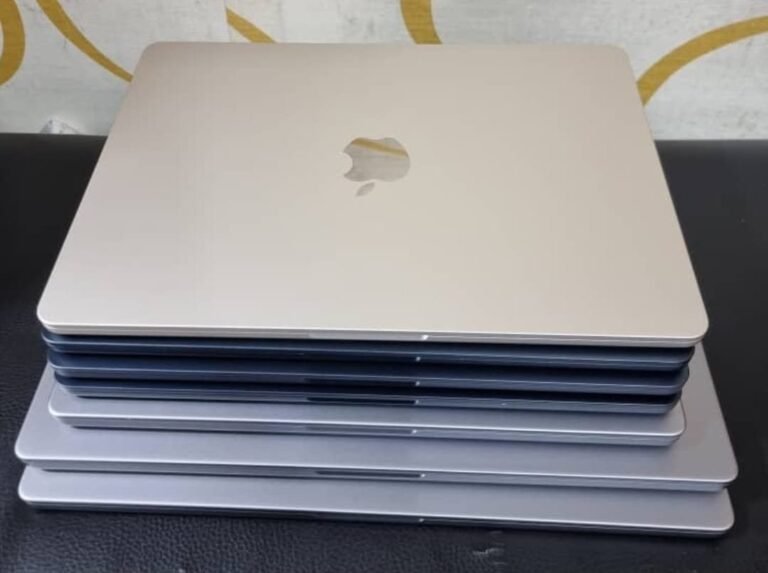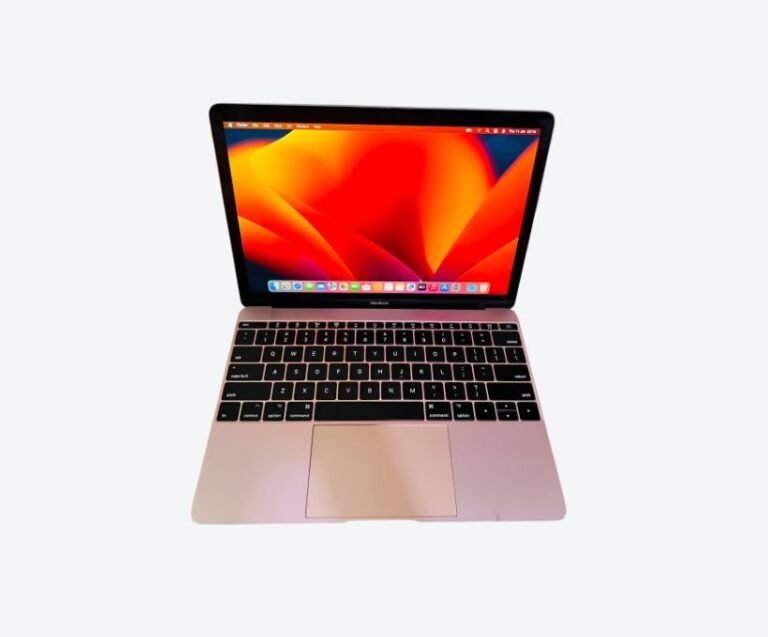



To confirm a MacBook is genuine, find its serial number, check it on Apple’s coverage page, and confirm the model and year that come back match the machine in front of you. A genuine machine returns a valid record for the correct model. A serial that returns a different model, no record at all, or a model from another year is the strongest single warning sign you will get.
That check takes two minutes and settles most of the question. The rest of this guide covers what “genuine” actually means in the Ugandan market, because the most common problem is not a counterfeit laptop — it is a real MacBook rebuilt from parts of several others.
Why “Genuine” Is the Wrong Question
Uganda’s used MacBook market is not full of fake Apple laptops. Manufacturing a convincing counterfeit MacBook is far harder than counterfeiting a phone, and almost nobody bothers.
What the market does contain is genuine MacBooks that have been assembled from multiple machines. A logic board from one, a screen from another, a battery from a third, all fitted into a clean case. The result is a real MacBook that passes a casual look, boots normally, and fails in specific and expensive ways six months later. This is what buyers are usually trying to avoid when they ask whether a machine is genuine, and it is what a serial number check alone will not catch.
So the honest framing is this: verify the identity first, then verify the condition.
It also explains why the useful checks are mechanical rather than visual: serial verification, model identifier matching, activation status and evidence of internal work. Those four catch the problems a careful look at the case does not.
Finding the Serial Number
On any Mac you can reach the serial number without tools.
Open the Apple menu, choose About This Mac, and the serial number appears in the overview window. On newer macOS versions, click the version number area if it is not shown immediately. Alternatively, System Settings, then General, then About, displays it.
Physically, older MacBooks have the serial printed on the underside near the hinge. Newer models have it engraved on the base in small text. The number should match the one the system reports. When they disagree, the case has been replaced or the machine has been re-cased, and you should ask why.
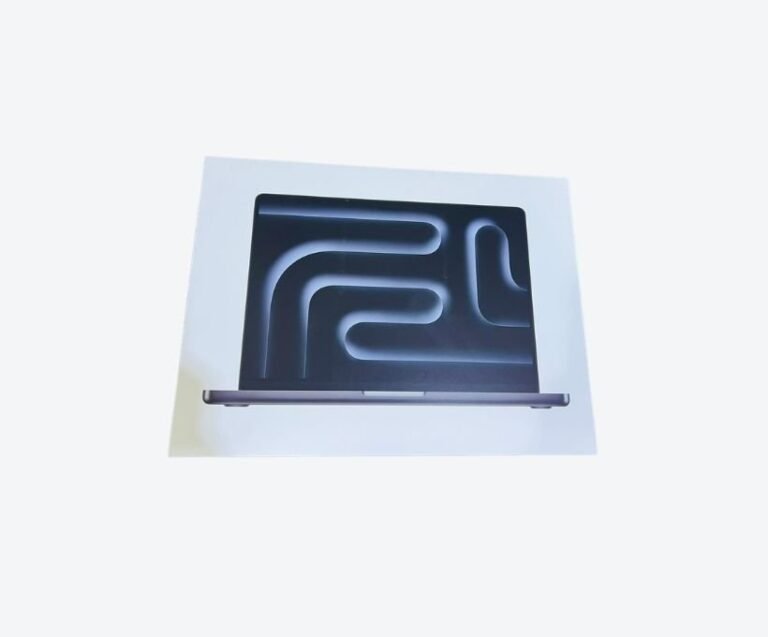
Do not accept a serial number photographed from a box. Boxes and machines get separated, and a box proves nothing about the laptop inside it.
On recent models the serial may also appear in the system report, which reports the exact model identifier alongside it. If you are comparing machines, photograph the About This Mac screen and the engraved base together so both numbers are recorded.
Verifying Against Apple’s Record
Go to Apple’s coverage check page and enter the serial. What comes back matters more than whether the page loads.
A correct result shows the same model family and year as the machine you are holding. If you were told you are buying a 2021 14-inch MacBook Pro and the coverage page returns a 2019 13-inch MacBook Pro, stop — the machine is not what you were told, whatever the seller explains.
No record found is not automatically fatal. Very old machines can fall out of the coverage database, and the page is a warranty tool rather than an ownership register. But it removes your ability to confirm identity, which is exactly the assurance you were seeking.
Check the model identifier too. In About This Mac, the system report shows an identifier such as MacBookPro18,3. That identifier maps to a specific model and year, and it does not change when a case is swapped.
Signs of a Rebuilt or Part-Swapped Machine
A machine can be genuine and still be a poor purchase. These are the signs that it has been rebuilt.
Mismatched wear is the most reliable signal. A machine described as three years old with a pristine case and a heavily worn keyboard, or the reverse, has had parts replaced. Look at the edges where palms rest, the trackpad surface and the key legends — these wear together over time.
Screen replacement shows in small ways: uneven brightness, a slight colour cast, or a display that does not respond correctly to True Tone. Ask whether the screen has been replaced, and if the answer is yes, ask what was fitted.
Battery data is the third tell. A machine’s cycle count should be plausible for its age. An old machine reporting 40 cycles has had a battery fitted, which is fine if it is a genuine cell and a problem if it is not. Our guide to checking MacBook battery health explains how to read those numbers.
Finally, screws. Pentalobe screws that are chewed, missing, or replaced with Phillips heads mean someone has been inside the machine. That is not automatically bad — a battery replacement requires opening it — but unexplained internal work on a “never opened” machine is a red flag.
Activation Lock and Management Enrolment
Two conditions make a genuine MacBook unusable, and both are invisible unless you check.
Activation Lock ties a machine to an Apple Account. If the previous owner has not signed out and disabled Find My, the machine will lock itself the first time it connects to Apple’s servers. The seller must sign out in front of you, and you should watch them do it.
Management Enrolment is what corporate fleets use. A machine enrolled in a device management service can be remotely wiped or forced to display a Remote Management screen at startup. Ex-corporate laptops are common in Uganda, and an enrolment you cannot remove makes the machine worthless. The test is simple: erase the machine and watch the first boot.
Both checks are part of the 21-point inspection that a certified used machine should already have passed.
Ask the seller to erase the machine before you buy, not after. A machine that boots to the setup assistant with no activation prompt is clean; one that asks for a password belongs to someone else.
Packaging, Receipts and Other Weak Evidence
Buyers often ask for the box and the receipt. Both are reassuring and neither proves much.
A box can be bought, borrowed or matched from another machine. A receipt can be printed by anyone. Neither tells you whether the logic board is original, whether the battery is genuine, or whether the machine has been enrolled in someone else’s management system.
What is worth more than packaging is a documented inspection and a written warranty from a seller who will still be trading next year. That is a claim someone has to stand behind after the sale, which packaging is not. Our guide to buying a used MacBook in Kampala explains how to weigh those assurances against price.
What does carry weight is a documented inspection record linked to that specific serial number, plus a warranty the seller will honour in writing. Those are claims with consequences attached to them, which packaging is not.
What Genuine Does Not Guarantee
A genuine MacBook can still be a bad buy. It can have a failing battery, a worn SSD, a screen with delamination, or a swollen cell. Genuineness is a starting condition, not a quality guarantee.
The practical order is: confirm identity, confirm no activation lock or management enrolment, then assess condition, then agree price. Skipping to price is how most disappointing purchases in this market happen.
A genuine machine can arrive with a battery at 700 cycles, a display with pressure marks, a keyboard with a sticking key, or an SSD written to heavily. None of that is visible from the outside and none of it is caught by a serial check. That is why condition assessment is a separate exercise with its own thresholds, and why a cheap genuine machine is often cheap for a reason the seller has not volunteered. Verify identity, then verify condition, then agree a price that reflects both.
Frequently Asked Questions
How can I tell if a MacBook is fake?
True counterfeit MacBooks are extremely rare in Uganda. What is common is a genuine machine assembled from parts of several others. Check the serial against Apple’s coverage page, confirm the model identifier matches, and inspect for mismatched wear and evidence of internal work.
Where is the serial number on a MacBook?
Open the Apple menu, choose About This Mac, and read it from the overview window. The serial is also engraved on the underside of the machine, and the two should match. On newer macOS versions it is under System Settings, then General, then About.
What does it mean if the serial number returns no result?
It may mean the machine is too old to appear in Apple’s warranty database, or that the serial is not valid. Either way you lose the ability to confirm identity. Treat it as a reason to inspect more carefully and to insist on a written warranty.
Can a used MacBook be activation locked after I buy it?
Only if the previous owner did not properly sign out. Confirm in front of the seller that iCloud is signed out and Find My is disabled, then erase the machine and check that it boots to the setup assistant rather than an activation screen.
Is it safe to buy a MacBook without a receipt?
The receipt is weak evidence anyway. What matters is the machine’s condition, its activation status, and a written warranty from a seller with a physical shop. Buy on those instead of on paperwork.
Related reading: the 21-point inspection, checking MacBook battery health, buying a used MacBook in Kampala.
Next step. Next Step
If you are about to buy, run the serial check and the first-boot test before you hand over money. If you would rather buy a machine that has already been through both, browse current MacBook stock or message Mudde AI on WhatsApp at +256 787 219 891 and ask for the inspection record for the specific unit you are considering.