


If you only use ChatGPT, Claude, Gemini or Copilot through a browser or app, you do not need an AI laptop. You need a laptop with 8GB of memory, a working keyboard and a stable connection, because the model runs on someone else’s servers and your machine only renders the answer. Buying a high-spec laptop for cloud AI tools is money spent on nothing.
The picture changes the moment you want to run a model on the machine itself — offline, privately, without per-token costs. Then memory becomes the single specification that decides what you can run, and it is also the one specification you cannot upgrade later on most modern laptops.
Two very different jobs
| What you actually do | Where it runs | Memory that matters |
|---|---|---|
| Chat, writing, research, summarising, image generation via web apps | Cloud | 8GB is workable, 16GB is comfortable |
| Coding assistants, transcription, document analysis in the browser | Cloud | 16GB recommended for multitasking |
| Running a 7–8B parameter model locally | Your machine | 16GB unified memory or 8GB VRAM |
| Running 12–14B models locally, or fine-tuning small ones | Your machine | 24–32GB unified memory |
| Running 30B+ models, video generation, model training | Your machine or a workstation | 48GB and up, or a desktop |
Those bands are not arbitrary. A quantised 8B model occupies roughly 4–5GB before context, a 14B model roughly 8GB, and a 30B model roughly 18–20GB. The operating system and your applications need 4–6GB on top. When a model does not fit in memory it does not run slowly — it fails to load, or spills to disk and crawls.
Why Apple Silicon keeps coming up
On most Windows laptops, the memory available to a model is the graphics card’s VRAM — often 4GB or 8GB, regardless of how much system RAM the machine has. On Apple Silicon, the GPU uses the same unified memory as the CPU, so a 24GB MacBook can address far more of it for inference than a 24GB Windows laptop with an 8GB graphics card.
That is why a MacBook with 24GB or 32GB is a common choice for local AI work in this market, and why an 8GB MacBook Air is not, whatever the marketing says. Our explainer on whether a MacBook can run AI locally walks through the same maths with model sizes.
What to ignore when shopping
- “AI PC” badges. They usually mean a neural processing unit for video calls and photo effects. Useful, but unrelated to running language models.
- TOPS figures. A number describing a narrow benchmark tells you nothing about whether your model fits in memory.
- Core counts without memory. A fast chip with 8GB will still refuse to load a 14B model.
- Cloud-only subscriptions sold as hardware. If the workload is cloud, spend the difference on memory you will use for everything else.
What else genuinely matters
Storage. Model files are large — several gigabytes each — and they accumulate. 512GB is the sensible floor for anyone keeping local models; 256GB fills quickly once you add a few plus your normal files.
Sustained performance. Inference is a long, continuous load. Thin laptops throttle after a few minutes, which is why a 14-inch MacBook Pro with a fan sustains better than an Air for hour-long sessions.
Memory bandwidth. Token generation speed tracks bandwidth more closely than raw compute. This is a specification worth comparing between Pro-tier chips and base chips.
Screen and keyboard. Unglamorous, but you will spend more hours reading model output than watching it generate.
Practical configurations for Kampala buyers
Cloud-only user, tight budget: MacBook Air M1 or M2 with 8GB, or a used business Windows laptop with 16GB. Perfectly adequate for ChatGPT, Gemini, Claude and browser-based tools.
Cloud user who also codes: 16GB minimum. This is the configuration most buyers should aim for, and the one we would push anyone toward before spending more on a newer chip.
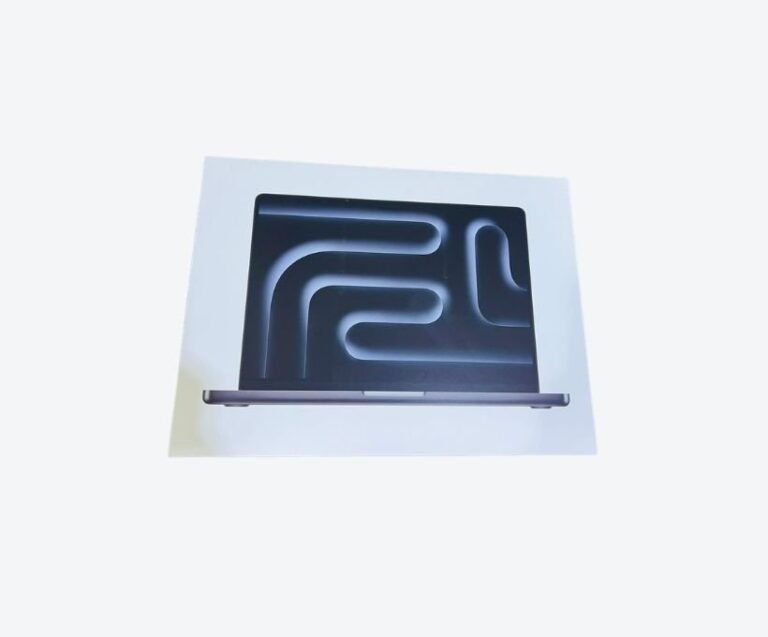
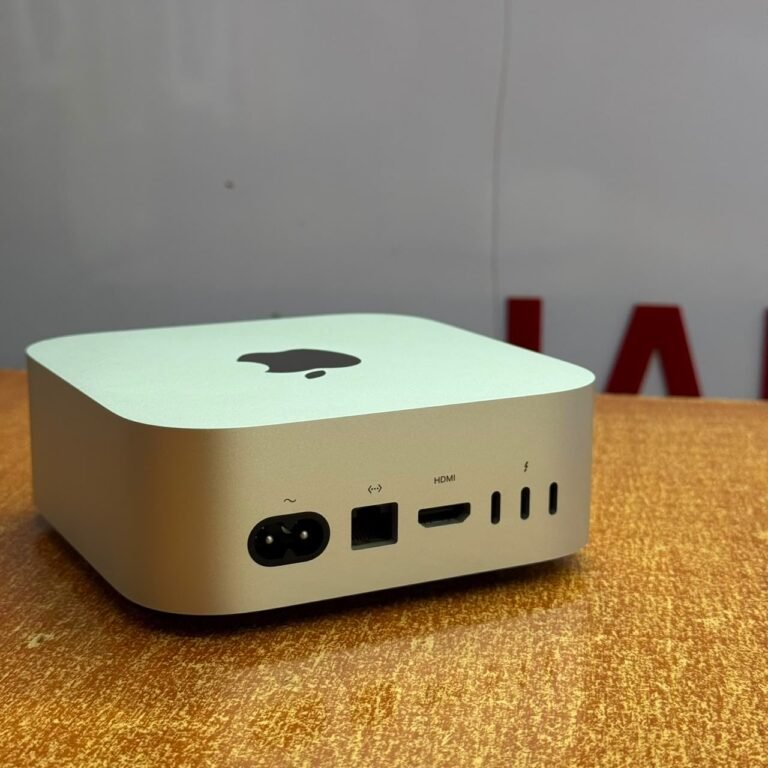
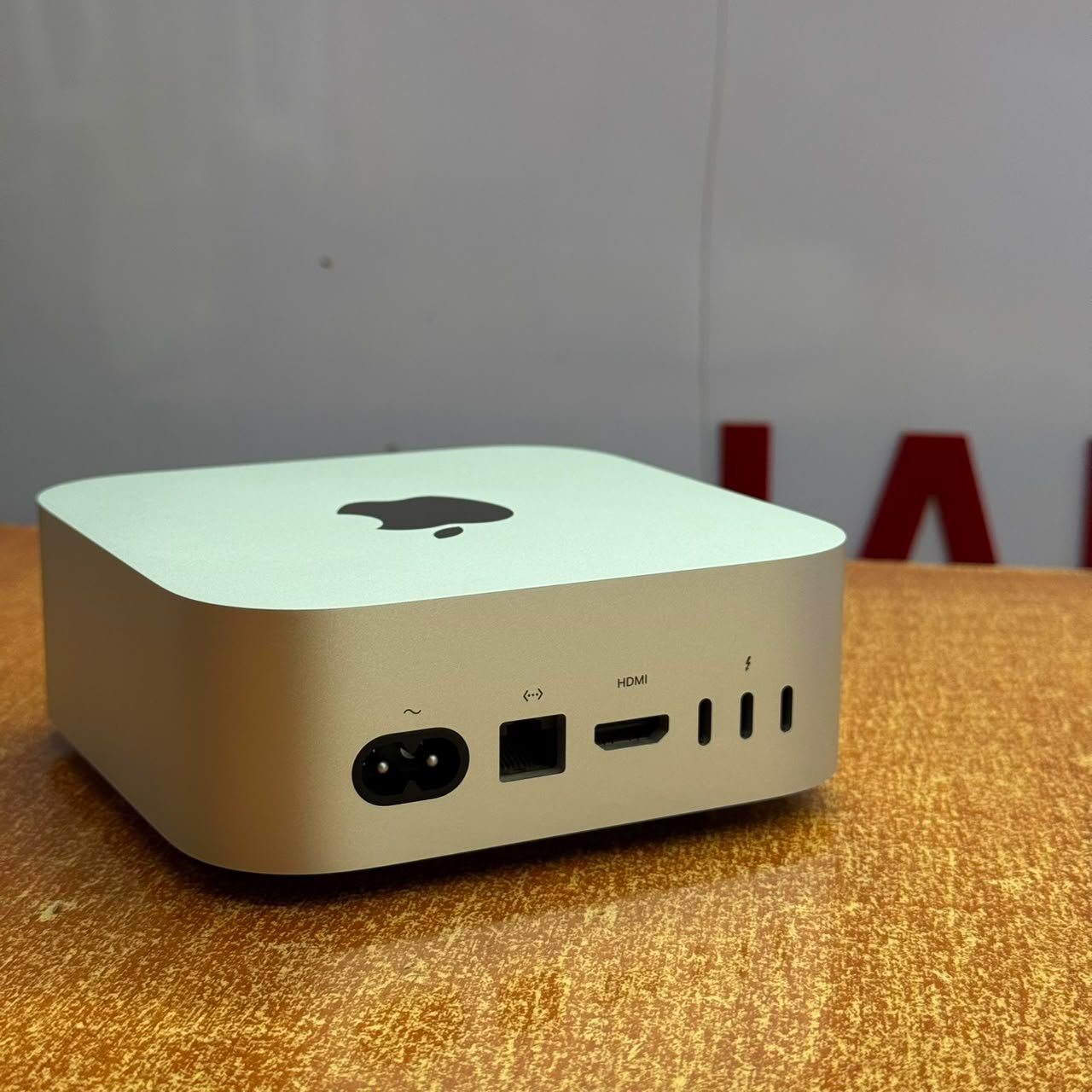
Local model user: 24GB unified memory at minimum, 32GB if you want headroom for 14B models and context. A 14-inch MacBook Pro is the practical shape of this machine; a Mac Studio makes more sense if it never leaves a desk.
Current stock and configurations are listed on our available MacBooks page, and our AI laptops guide covers the wider market. If you tell us the tools you use, we will tell you the smallest machine that runs them properly — including when that means telling you not to upgrade.
Frequently asked questions
Do I need a special laptop to use ChatGPT?
No. ChatGPT runs in the cloud, so any laptop with a modern browser and 8GB of memory will use it well. A better laptop makes multitasking smoother, not the answers better.
How much RAM do I need to run AI locally?
16GB is the realistic floor for small 7–8B models, 24–32GB covers 12–14B models comfortably, and 48GB or more is needed for 30B and larger. On Apple Silicon this is unified memory; on Windows it is usually graphics memory that decides.
Can a MacBook Air run AI models?
Yes, but the 8GB models only handle small quantised models. An Air with 16GB runs 7–8B models usefully; anything larger belongs on a Pro with more memory or a desktop.
Is 8GB enough for AI tools in 2026?
Enough for cloud tools and light multitasking, not enough for local models and increasingly tight for heavy browser work. If you are buying now and keeping the machine three years, 16GB is the safer floor.