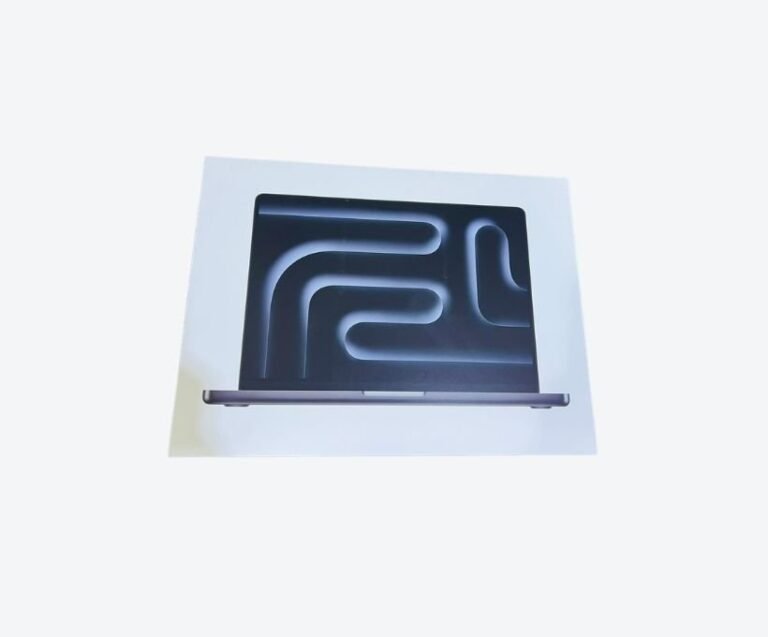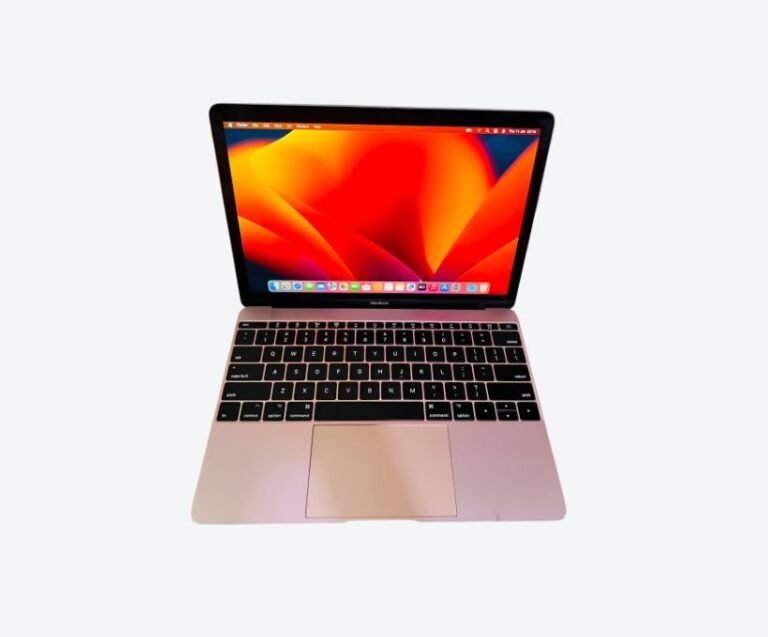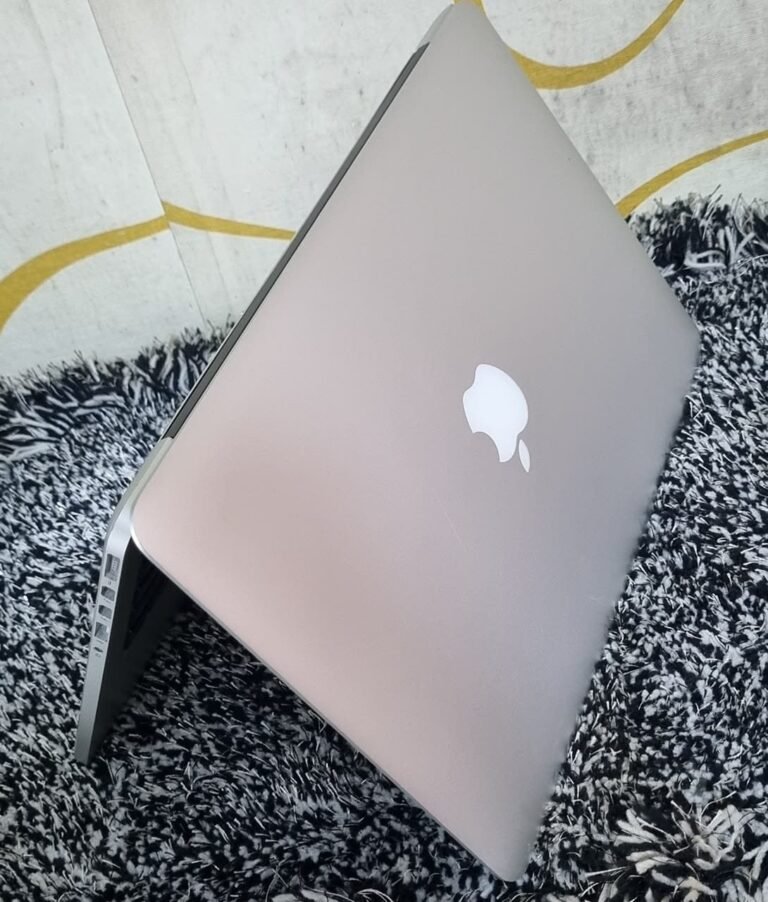



The best laptop for graphic design in Uganda is a 14-inch MacBook Pro with 16GB of memory. Design work is less about raw processing than most buyers expect, but it depends heavily on screen quality and colour accuracy, and the 14-inch Pro’s display is the one you can trust for client work without an external monitor. A 16GB M1 Pro typically costs UGX 3.45M to 4.35M used.
A 16GB MacBook Air is a legitimate alternative at around UGX 3.3M for a designer who works mainly in Figma, Illustrator and InDesign, and who does not need to judge colour on the laptop itself. The Air’s screen is good; the Pro’s is better, and for paid design work that difference is the whole purchase.
What Design Work Actually Demands
Design software is often assumed to be heavy. In practice it splits into two very different workloads, and only one of them stresses the machine.
Vector and layout work — Illustrator, InDesign, Figma — is largely single-threaded and memory-bound. A complex Illustrator file with hundreds of objects and linked assets can occupy several gigabytes, and switching between applications while a large file is open is where 8GB machines collapse.
Raster work — Photoshop with large files, compositing, filters — uses the GPU more heavily, and this is where the Pro’s extra graphics cores earn their place.
Add to that the things designers actually do all day: dozens of browser tabs for references, a font manager, a messaging app for client feedback, and a cloud drive syncing assets. That combination is what consumes memory, not the design application alone.
The practical requirement is 16GB as a floor, a screen you can trust, and enough storage for assets.
Why the Screen Matters More Than the Chip
Designers sell judgement about how things look. If the screen misrepresents colour, every judgement is compromised, and the problem compounds because the client will view the work on a device with a different display.
The 14-inch MacBook Pro’s panel is bright, covers a wide colour gamut, and supports reference modes that let you work to a defined standard. It is not a substitute for a calibrated external monitor in a controlled room, but it is close enough to trust for most client work, particularly web and social delivery.
The MacBook Air’s display is excellent for its class and perfectly usable for layout, typography and interface design. What it gives up is brightness headroom and some colour precision — enough to matter when you are approving a print proof or matching a brand colour.
There is one more screen consideration specific to design: size. A 13-inch screen with palettes and panels open leaves a small canvas. The 14-inch or 15-inch machines are meaningfully better for this work, and the difference is felt every day rather than occasionally.
MacBook Air or Pro for Design
This is the decision most designers get wrong, usually by overbuying on chip and underbuying on screen.
Choose the Air if your work is interface design, branding, layout, social content and client presentations, you work mostly in Figma or with cloud tools, and your machine travels constantly. It is lighter, silent, and more than fast enough for those tasks.
Choose the 14-inch Pro if you retouch photography, work with large print files at high resolution, do any motion or video work alongside design, or need to judge colour on the laptop itself. The screen and the sustained performance under long export or batch jobs are the reasons.
What you should not do is buy the Pro for the chip alone. An M4 Air will feel faster than an M1 Pro in short bursts; the Pro’s advantage appears in screen quality, cooling and sustained work, not in launch times.
Decide based on the screen you will be judging work on, not the chip you will be bragging about.
Adobe and Affinity: Real Performance
Adobe’s applications run natively on Apple Silicon and perform well. Photoshop handles large files smoothly with 16GB, and the neural filters and content-aware tools use the GPU where available. Illustrator remains more single-thread bound, so a faster chip helps slightly; memory helps more. InDesign is comfortable on almost anything modern, until a document with hundreds of linked images is open.
The Affinity suite is a cost-effective alternative that many Ugandan designers use, and it performs extremely well on Apple Silicon with modest memory.
Figma is browser-adjacent and behaves like a heavy web application: it will run on 8GB, but a large file with many frames alongside other tabs will push a small machine into swapping.
One practical warning: older Adobe versions and third-party plugins can be a source of instability on new macOS releases. Check compatibility before upgrading either the software or the operating system mid-project.
Test one of your own files before buying rather than trusting a demonstration with a sample document.
Colour Accuracy and Calibration
A designer’s colour workflow is only as good as its weakest link, and the laptop screen is usually it.
If you deliver print work, you need a calibrated display and a known colour profile. A hardware calibrator — borrowed, rented or bought — is worth more than a brighter screen, because it tells you what the display is actually doing rather than what the specification claims.
If you deliver digital work, the practical approach is to check your output on a second device: a phone, a cheap monitor, a colleague’s screen. The deliverable will be viewed in conditions you cannot control, and designing on the assumption that your screen is neutral is how work arrives looking different from the proof.
Consistency matters more than absolute accuracy — the same screen, calibrated the same way, produces predictable results you can learn to trust.
Buying Used for Design Work
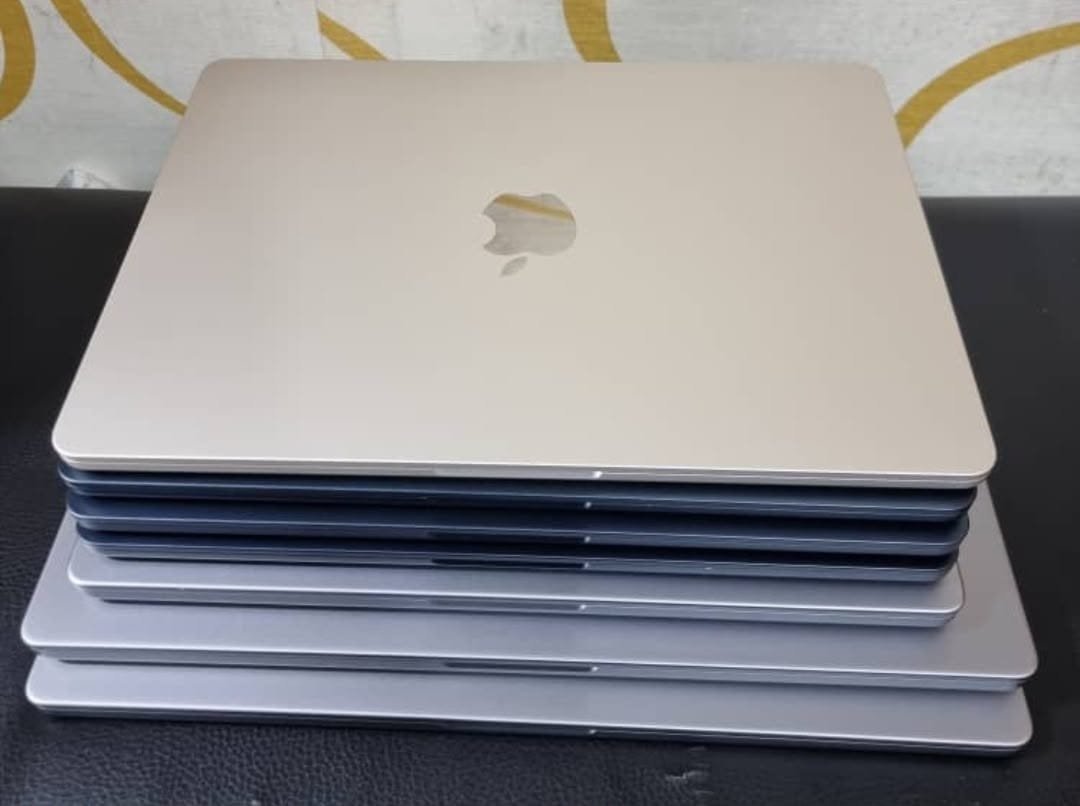
Design is a screen-critical workload, so a used machine should be bought on display condition above everything else.
Inspect for pressure marks, backlight bleed at the edges, delamination on the coating, and any uneven brightness across a white image. A display replacement is the most expensive repair on these machines, so a marked screen should reduce the price substantially.
Check the battery too, because designers often work unplugged, and confirm the machine is free of activation lock and management enrolment. Ask whether the screen has ever been replaced, and if so what was fitted — a non-original panel undermines the entire reason for buying a Pro.
Our used MacBook buying guide covers the sequence, and the 21-point inspection explains what a dealer should test before a machine reaches the shelf.
Bring a file with a large flat colour area on a USB drive; it exposes screen defects that a photograph will not.
Frequently Asked Questions
Is a MacBook good for graphic design?
Yes. macOS is the platform most design studios use, Adobe and Affinity both run natively on Apple Silicon, and the screens are colour-accurate. The 14-inch MacBook Pro is the strongest choice for paid design work.
How much RAM do I need for graphic design?
16GB is the practical minimum for professional work. 8GB is workable for Figma and light Illustrator use but struggles with large Photoshop files and multiple applications open. Memory cannot be upgraded later.
Is a MacBook Air good for graphic design?
Yes, for interface design, branding, layout and social content. It is lighter and silent. The Pro is better for retouching, print work and colour-critical decisions because of its display.
Which MacBook is best for Photoshop?
A 14-inch MacBook Pro with 16GB or more. Photoshop benefits from GPU acceleration for filters and large files, and the Pro’s screen lets you judge results accurately.
Do I need an external monitor for design work?
For print and colour-critical work, yes — a calibrated external monitor in a controlled room is the professional standard. For web and social work, the 14-inch Pro’s display is good enough for most decisions.
Next step. Tell us whether you deliver print or digital work and which applications you use, and the specification follows. Message Mudde AI on WhatsApp at +256 787 219 891, or browse current MacBook stock at Majestic Plaza in Kampala.
Also read: MacBook Storage: 256GB vs 512GB.