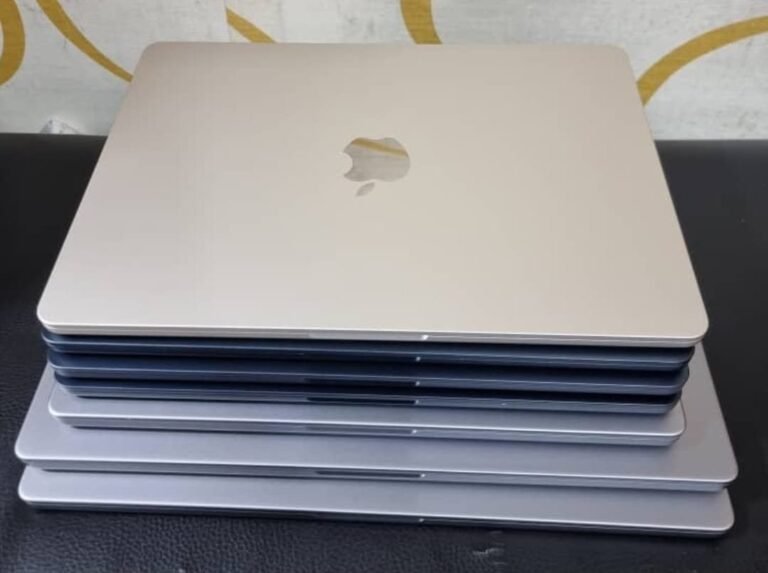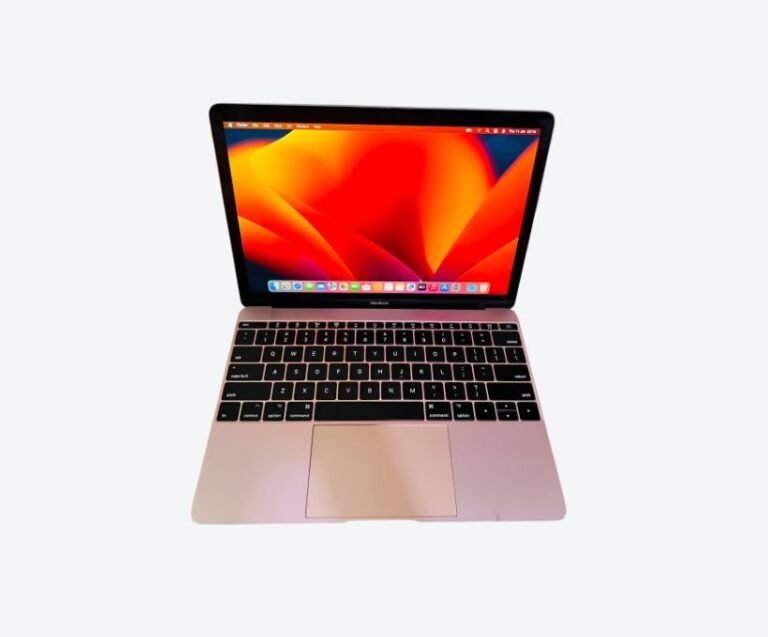



The most reliable place to buy a used MacBook in Kampala is a specialist dealer inside Majestic Plaza on William Street, where machines are inspected before sale and sold with a written warranty. Mudde AI has traded from that building since 2002, runs a documented 21-point inspection on every unit, and gives three months of written cover. You pay a little more than a street seller on Facebook Marketplace, and you get a machine that has been tested, a receipt, and someone to call when something goes wrong.
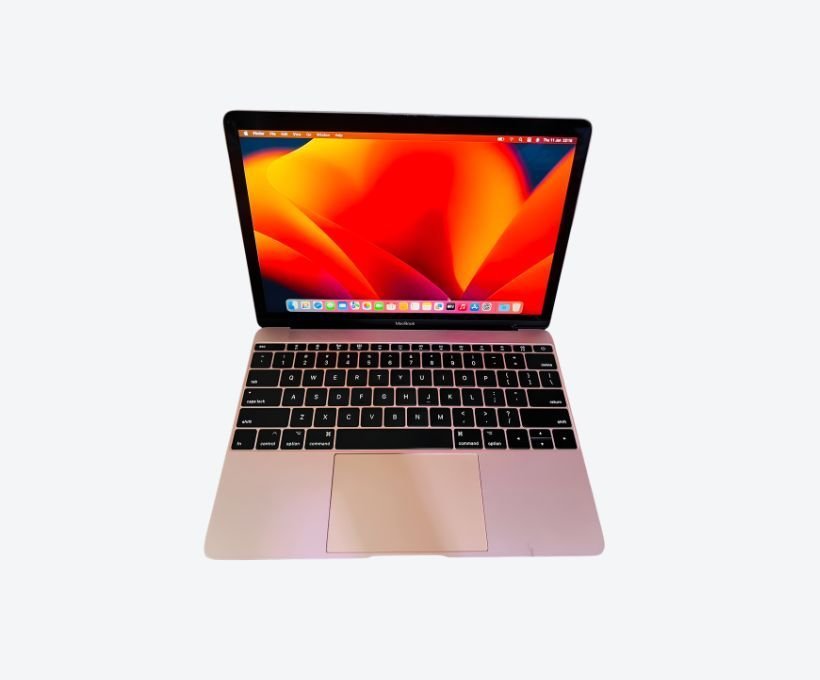
That single paragraph is the short answer. The rest of this guide is what separates a good used MacBook purchase from an expensive mistake — because in Kampala the price difference between two cosmetically identical machines is often over a million shillings, and it has nothing to do with how the laptop looks.
Where to Buy a Used MacBook in Kampala
Used MacBooks in Kampala are sold through three channels, and they are not equivalent. Knowing which one you are standing in changes what you should ask and what you should pay.
Specialist dealers at Majestic Plaza on William Street
Majestic Plaza is the centre of Kampala’s Mac trade. Several floors of the building hold Apple-focused dealers, repair workshops and accessory sellers, which gives you something no single shop can: the ability to compare four or five machines in one afternoon and see how prices differ for the same specification.
A specialist dealer earns the label by what happens after the sale. Ask three questions before you look at any machine: is the inspection documented, what exactly does the warranty cover, and can they show you the battery cycle count on the machine itself rather than quoting a figure from memory. A dealer who answers all three without hesitating is a dealer worth buying from.
Buying online through Jiji or Facebook Marketplace
Online listings in Uganda carry the widest price range and the widest risk. The same model appears at UGX 1.5M and UGX 3.5M on the same day, and the cheaper listing is usually cheaper for a reason that is not in the photos: a swollen battery, a replaced screen, or an iCloud lock the seller cannot remove.
Online is workable if you treat it as a way to find candidates rather than a way to close a deal. Meet at a shop, not a street corner. Insist on inspecting the machine before paying. Never send a deposit to a seller you have not met, and never accept “the warranty is with me personally” as a substitute for paper.
What to walk away from
Walk away from any MacBook that is still signed in to someone else’s iCloud account, any machine showing a Remote Management prompt at first boot, and any seller who will not let you run a battery check in front of them. Those three signals account for most of the genuinely bad deals in this market. No discount is worth a machine that can be remotely wiped, or one whose battery dies before lunch.
What a Used MacBook Costs in Uganda Right Now
Prices in Kampala move with shipment cycles and the exchange rate, so treat any figure as a snapshot rather than a rule. These are ranges seen in Kampala listings in late 2026, and they are useful for spotting when a quote is unusually high or suspiciously low.
| Machine | Typical used range (UGX) | Who it suits |
|---|---|---|
| MacBook Pro 14-inch, M1 Pro, 16GB / 512GB | 3.45M – 4.35M | Best all-round value; sustained work |
| MacBook Air 13-inch, M2, 16GB / 256GB | 3.30M – 3.60M | Light, silent, everyday work |
| MacBook Air 13-inch, M4, 16GB / 256GB | 4.40M – 4.70M | Longest useful life on a budget |
| MacBook Pro 14-inch, M4, 24GB / 512GB | 8.00M – 8.80M | Heavy development and creative work |
Two rules follow from that table. First, the jump from an 8GB machine to a 16GB machine costs far less than the jump from 16GB to 24GB, and delivers far more day-to-day benefit. Second, an older chip with more memory usually beats a newer chip with less — a 16GB M1 Pro will still feel fast in 2029, while an 8GB M3 is already tight today.
Why two identical-looking MacBooks differ by a million shillings
Four things explain almost all of the price gap. The chip generation sets the floor. The memory decides whether the machine is still comfortable in three years. The battery’s cycle count tells you how much of the original lifespan is gone — a machine at 900 cycles needs a replacement battery sooner than the seller admits. And provenance decides whether the machine is what it claims to be: a genuine Ugandan unit with a clean serial differs from a refurbished import with a replaced logic board.
Condition of the case is the least important of the five and the easiest thing for a seller to photograph. Do not let a clean lid influence a decision that should be made on cycle count and memory.
The 21-Point Inspection, Explained
An inspection is only meaningful if you can see what was checked. A vague “it is tested” claim is marketing. A published checklist is a process you can hold a seller to, and it is the single most useful thing to ask for when comparing two dealers who are quoting similar prices.
At Mudde AI the inspection covers the areas that actually fail in used MacBooks rather than the ones that are easy to tick off. Battery health and cycle count are recorded, because battery degradation is the most common hidden defect. Every Thunderbolt and USB-C port is tested with a real device, not just visually inspected. The display is checked for uniformity and delamination, the keyboard for sticking keys, and the speakers and microphones for distortion. Internally, the machine is checked for liquid damage residue, the SSD is checked for health and remaining write capacity, and the firmware is verified for activation lock and management enrolment.
The last two points are the ones buyers rarely think to ask about and the ones that cause the most grief. An activation lock means the machine is a brick the moment it reconnects to Apple’s servers. A management enrolment means a former corporate owner can remotely wipe it, or force it to display a Remote Management screen at startup that you cannot dismiss. Both are invisible in a product photo and both are trivially checkable in person.
You can read the full breakdown in the 21-point MacBook and laptop inspection guide, including the exact checks so you can run them yourself on any machine, from any seller.
How to Check a Used MacBook Before You Pay
Bring this list to the inspection. It takes about fifteen minutes and it will catch the defects that cost the most to fix later.
- Find the serial number under the Apple menu, then check it against Apple’s coverage page. Confirm the model year and specification match what you were told. A serial that returns a different model is an immediate stop.
- Check the battery. Open System Settings, then Battery. Look at cycle count and maximum capacity. Under roughly 500 cycles with capacity above 85 percent is healthy. Over 800 cycles means a replacement is due.
- Confirm iCloud is signed out. The seller must sign out and disable Find My in front of you, not promise to do it later.
- Watch the first boot for a Remote Management prompt. If one appears, the machine is enrolled in someone else’s device management and you should not buy it.
- Run Apple Diagnostics. Hold D while booting. It takes three minutes and reports hardware faults that are otherwise invisible.
- Test every port with an actual cable or drive. Ports are the most commonly failing component after the battery and are expensive to repair.
- Check the display on a white background for staining, pressure marks and delamination around the edges.
- Type on every key and check the trackpad clicks evenly at all four corners.
- Ask for the charger, and confirm it is the correct wattage for that model. A underpowered charger causes slow charging and heat.
The three checks most buyers skip
Cycle count, activation lock and management enrolment are skipped because none of them are visible on the outside and none of them come up in a casual five-minute look. Together they account for the majority of used MacBook failures that happen in the first month of ownership.
If a seller is reluctant to let you check any of the three, that reluctance is your answer. A dealer with nothing to hide will hand you the machine and let you look.
Which Used MacBook Fits Your Work?
Buying used means buying a fixed specification — memory and storage are soldered to the logic board and can never be upgraded. Choose once, correctly.
Chip: M1, M2 or M3
Any Apple Silicon chip is a large step up from an Intel MacBook, which should be avoided entirely for professional work in 2026. The M1 remains genuinely capable and is the value choice. The M2 adds efficiency and a better camera. The M3 adds a stronger GPU, which matters for video editing, 3D work and local AI models. If your work is documents, browsing, coding and video calls, the chip generation matters far less than the memory. You can check current MacBook Pro 14-inch M1 stock and MacBook Air 13-inch M1 availability before you travel to the shop.
Memory: 8GB or 16GB
8GB is adequate for browsing, documents, and cloud-based AI tools that run in a browser tab. 16GB is the sensible floor for anyone running a code editor, a browser with many tabs, and a design or video application at the same time. If you intend to run AI models locally rather than through the cloud, 16GB is the minimum and 24GB or more is worth the money. Our breakdown of 8GB versus 16GB in Uganda workloads goes through the real-world difference in more detail.
Storage: 256GB or 512GB
macOS itself occupies around 30GB, and a working install with applications and a few projects reaches 100GB quickly. 256GB is workable for cloud-first users. 512GB is the better choice if you edit video, keep local photo libraries, or download AI models, which routinely run from 5GB to 30GB each.
Used vs New: What You Actually Give Up
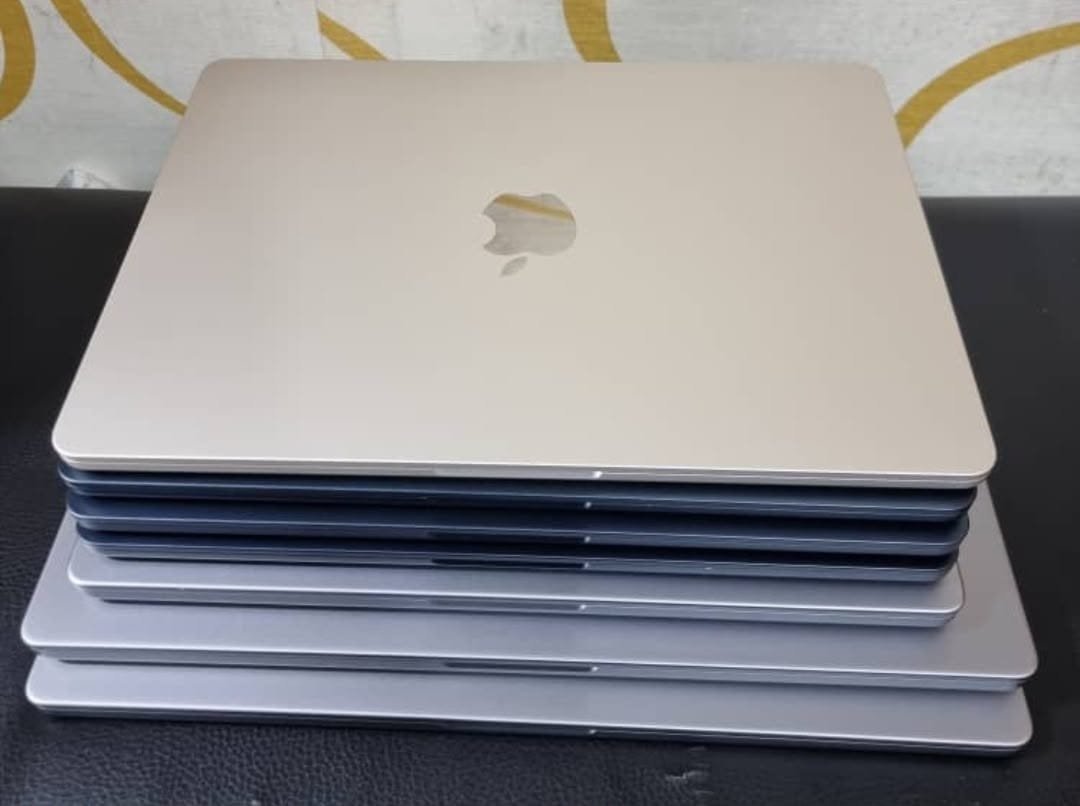
A used Apple Silicon MacBook typically costs 30 to 45 percent less than the equivalent new machine, and gives up three things in return.
The first is battery age. A used machine has already consumed part of its battery’s life, which is why cycle count matters more than cosmetic condition. The second is warranty length: Apple’s new-machine cover runs a year, while a used purchase carries whatever the dealer offers — which is why a written three-month warranty from a shop that will still exist next year is worth real money. The third is certainty about history: a new machine has none, a used one has a story you have to verify.
What you do not give up is performance. Apple Silicon MacBooks hold their speed well, and a well-chosen M1 Pro in 2026 still handles professional workloads comfortably. For most buyers in Kampala, the used calculation is straightforwardly better value — provided the inspection is real. If you want the longer version of that argument, read is a refurbished MacBook Pro worth it in Uganda.
Trade-In and After-Sales Support
A MacBook you already own is usually worth more as credit than as a drawer ornament. Working MacBooks, particularly Apple Silicon units, can be traded against an upgrade, which reduces the cash needed for the new machine and disposes of the old one responsibly.
After-sales support matters more in Kampala than in markets with an Apple Store, because there is no first-party retail presence here. Service runs through resellers and independent Mac workshops, which makes the dealer’s own workshop capability relevant. Ask whether they service what they sell, whether diagnosis is free, and what the process is if a fault appears in month two. Mudde AI offers free diagnostics with no fix, no fee, and a written three-month warranty on certified units, which is the practical version of that answer.
Frequently Asked Questions About Used MacBooks in Kampala
Is buying a used MacBook in Uganda worth it?
Yes, for most buyers. A used Apple Silicon MacBook costs 30 to 45 percent less than new while delivering the same performance, and the chip does not degrade with age the way an old Intel machine does. The calculation only goes wrong when the machine is bought without an inspection. Buy on battery cycle count and memory, not on how clean the lid looks.
How do I know if a used MacBook is genuine?
Check the serial number against Apple’s coverage page and confirm it returns the same model and year you were shown. Then confirm the machine is signed out of iCloud, that no Remote Management prompt appears at boot, and that all ports and the display behave normally. A genuine machine passes all four checks in under fifteen minutes.
What warranty should I expect on a used MacBook?
Expect a written warranty rather than a verbal promise. In Kampala, three months of cover on a certified used MacBook is a realistic standard for a dealer with a workshop. Ask specifically whether the warranty covers battery degradation or only functional failure, and get the terms in writing before you pay.
How much RAM do I need for AI work?
For cloud-based AI tools, 8GB is workable because the processing happens on a server. For running models locally, 16GB is the practical minimum, and 24GB or more is worth paying for if you plan to work with larger models. Memory cannot be upgraded later on any Apple Silicon MacBook, so this is the one specification worth stretching for.
Can a used MacBook run AI tools locally?
Yes, if it has enough unified memory. Apple Silicon’s shared memory architecture lets the GPU use the same memory as the CPU, which is why MacBooks run local models well for their size. A 16GB machine handles smaller models comfortably; larger models need 24GB or more. A MacBook Air will also slow down during long jobs because it has no fan, while a MacBook Pro sustains the load.
Where can I see used MacBooks in person before buying?
Visit Majestic Plaza on William Street in central Kampala, where used MacBooks can be inspected and compared across several dealers in one visit. Mudde AI is in that building, open Monday to Saturday, and you can arrange a viewing or ask about current stock on WhatsApp at +256 787 219 891 before travelling.
The Short Version
Buy from a dealer who publishes what they check, shows you the battery cycle count on the machine, and puts the warranty in writing. Compare at least two machines with the same specification before deciding. Prioritise 16GB of memory over a newer chip. Confirm the machine is signed out of iCloud and free of management enrolment before any money changes hands.
If you take nothing else from this guide, take the order of the checks. Battery cycle count first, because it is the defect that costs the most to fix and the easiest to hide. Activation lock and management enrolment second, because either one turns a working laptop into a brick. Cosmetic condition last, because a scratched lid has never stopped anyone finishing a project on time.
If you want to see what is in stock today, browse the available MacBooks or message Mudde AI on WhatsApp at +256 787 219 891 with your budget and what you plan to do with the machine. You will get a specific recommendation rather than a generic price list.
Also read: Used MacBook Warranty in Uganda (2026)., MacBook Shop on William Street, Kampala